
Core Forms Admin Workspace
Core Forms 4.7 groups the daily form workflow into four primary destinations: Core Forms, Submissions, Core Commerce, and Settings. The same navigation appears across plugin screens, so moving from a form to its inbox or from a product to its customer record does not require hunting through unrelated WordPress menus.
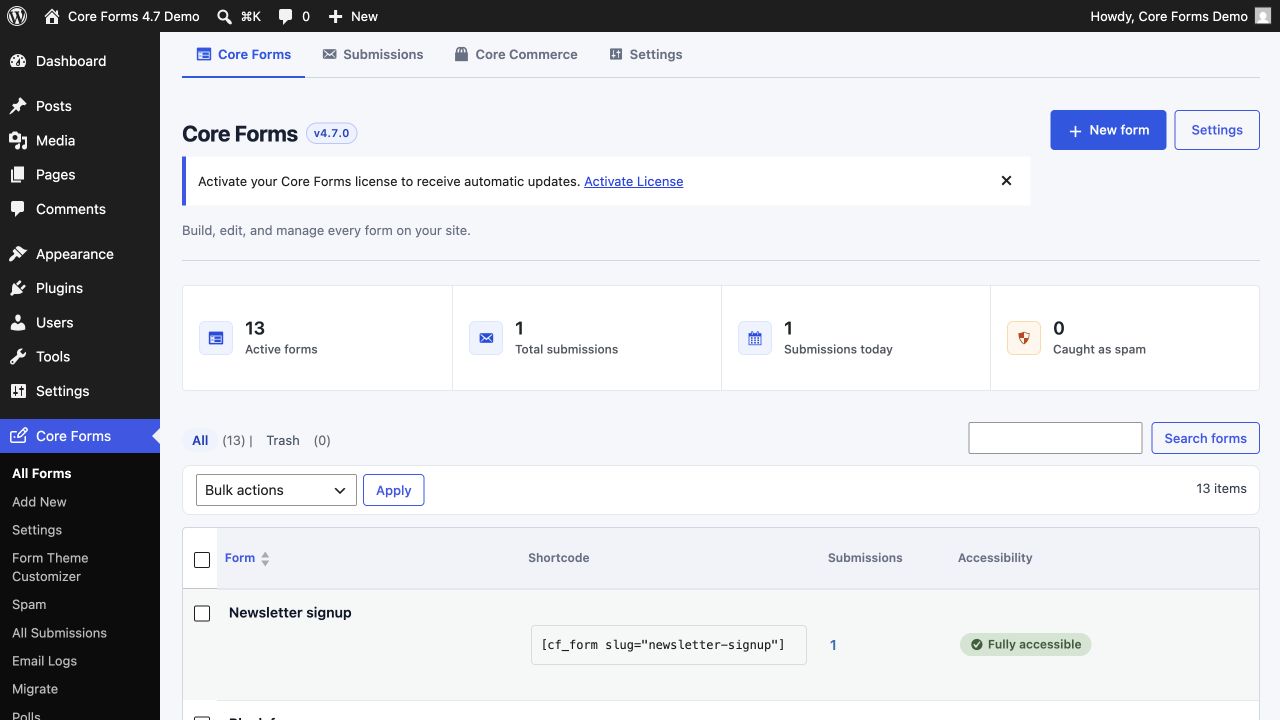
Core Forms
Use Core Forms to create, find, and manage forms. The dashboard shows active forms, total submissions, submissions today, and caught spam before the searchable form table.
Each form row exposes direct links to:
- Fields
- Messages
- Settings
- Actions
- Payment
- Headless
- Submissions
- Analytics
- Revisions
The shortcode field can be copied directly. In the Block Editor, prefer the Core Form block because it provides a form picker and a live server-rendered preview.
Submissions
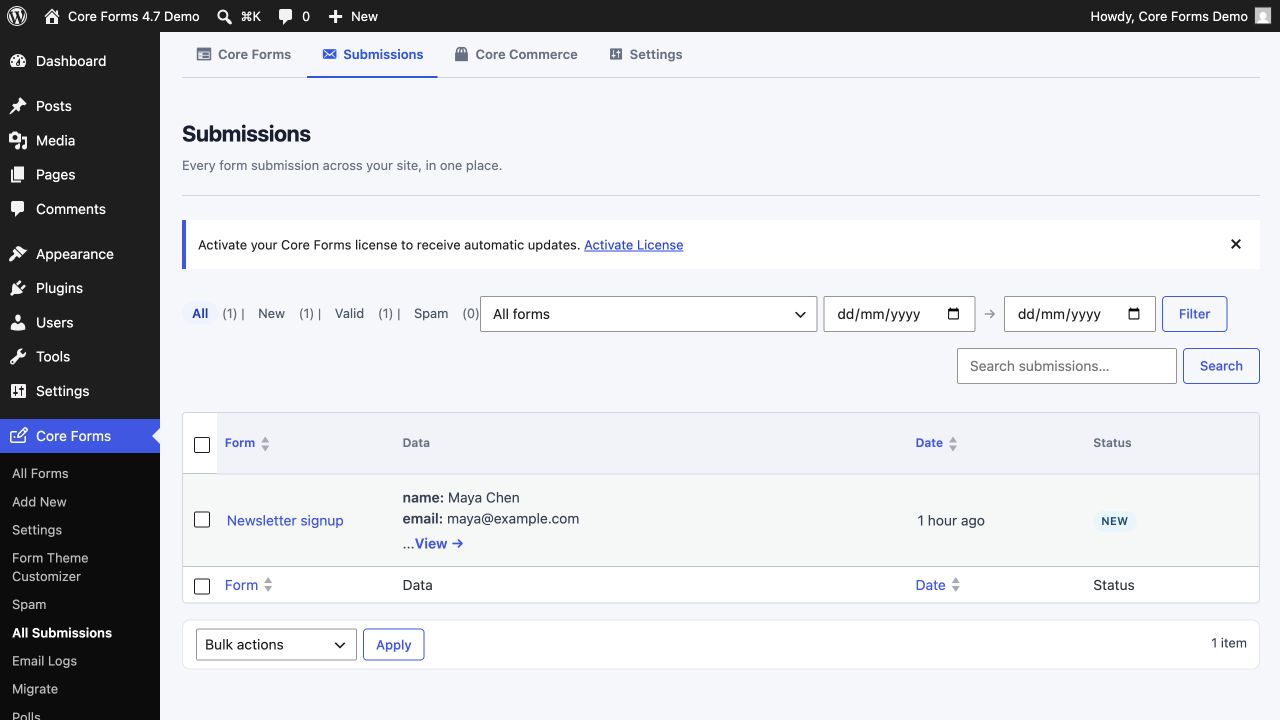
Submissions is the cross-form inbox. Filter by form, date, status, or search terms; open a row to inspect the full record and reply history. A form's own Submissions tab shows the same data already scoped to that form.
Settings and Form Theme Customizer
Settings contains site-wide behavior, integrations, payments, headless access, and licensing-server configuration. Core Forms → Form Theme Customizer is a focused submenu for frontend design tokens and live desktop/mobile preview.
Per-form settings override global defaults where the editor offers an override.
Core Commerce
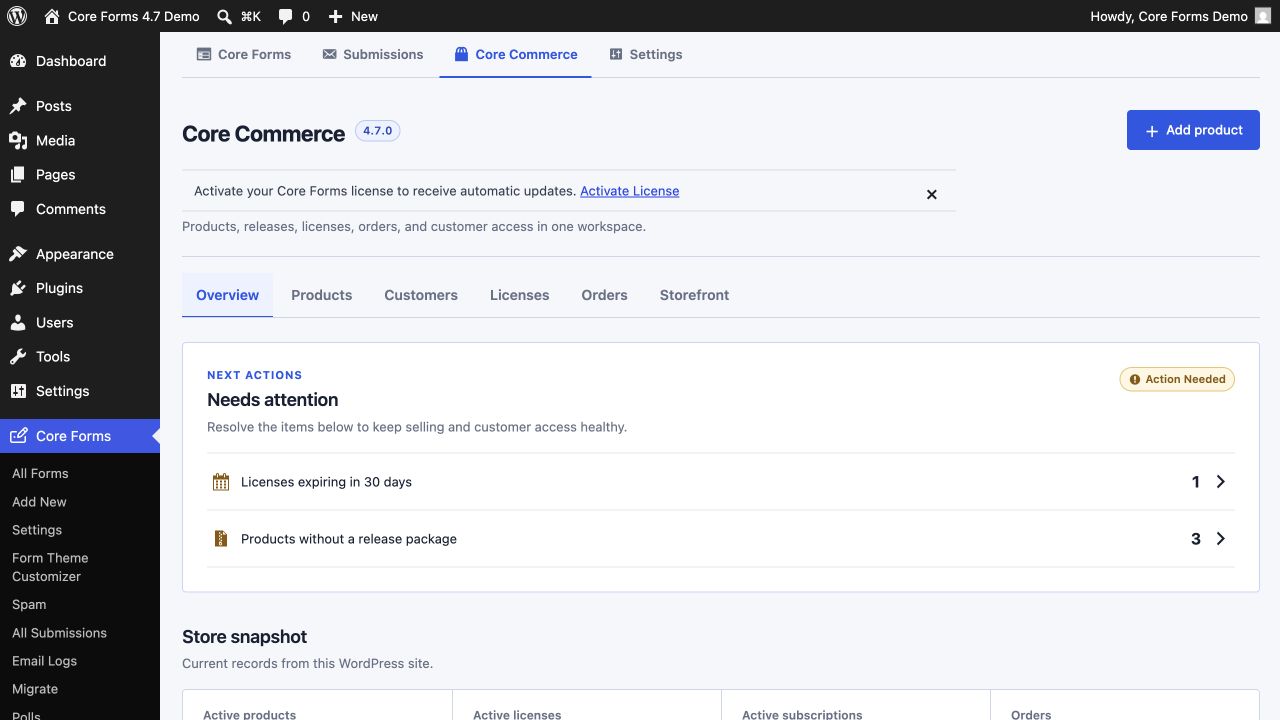
Core Commerce contains products, customers, licenses, orders, releases, and storefront display tools. It is available when the License Issuing Server is enabled.
Migrate
Core Forms → Migrate handles portable Core Forms JSON backups and imports from other form plugins. It replaces the former Import-only screen.
See Moving Core Forms data and importing other form plugins for the full workflow.