What it actually looks like

Screenshots

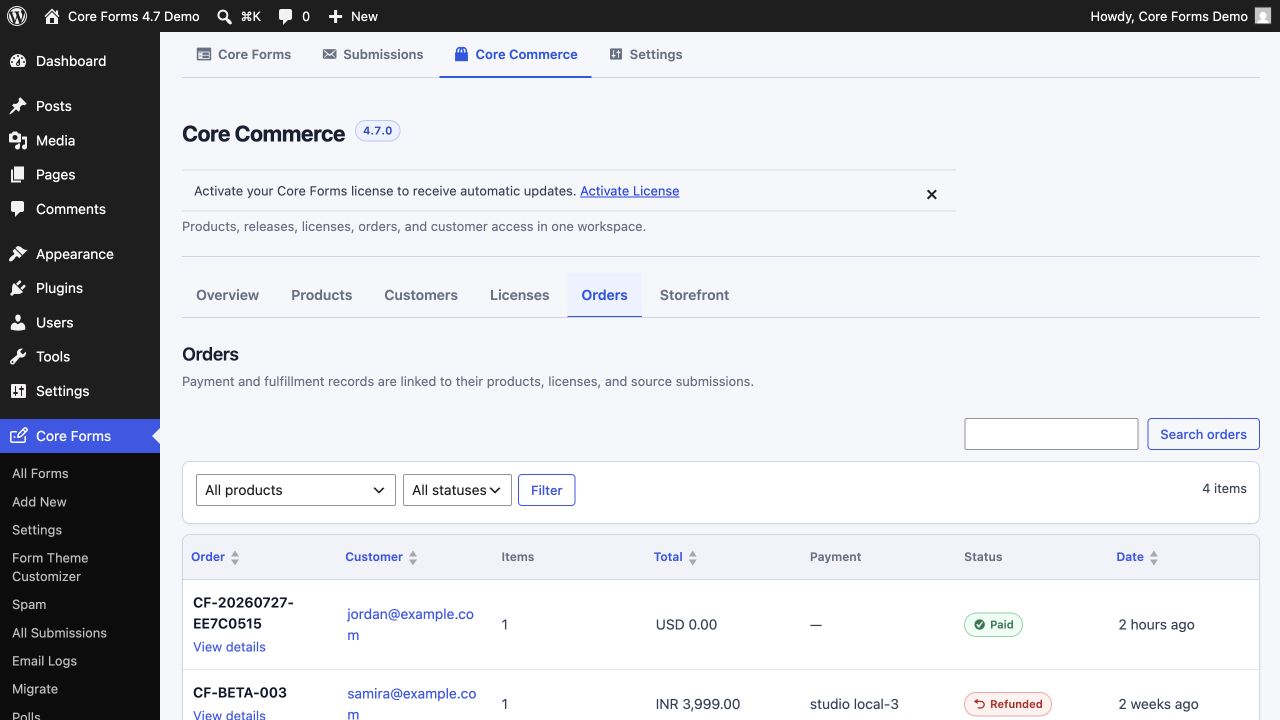
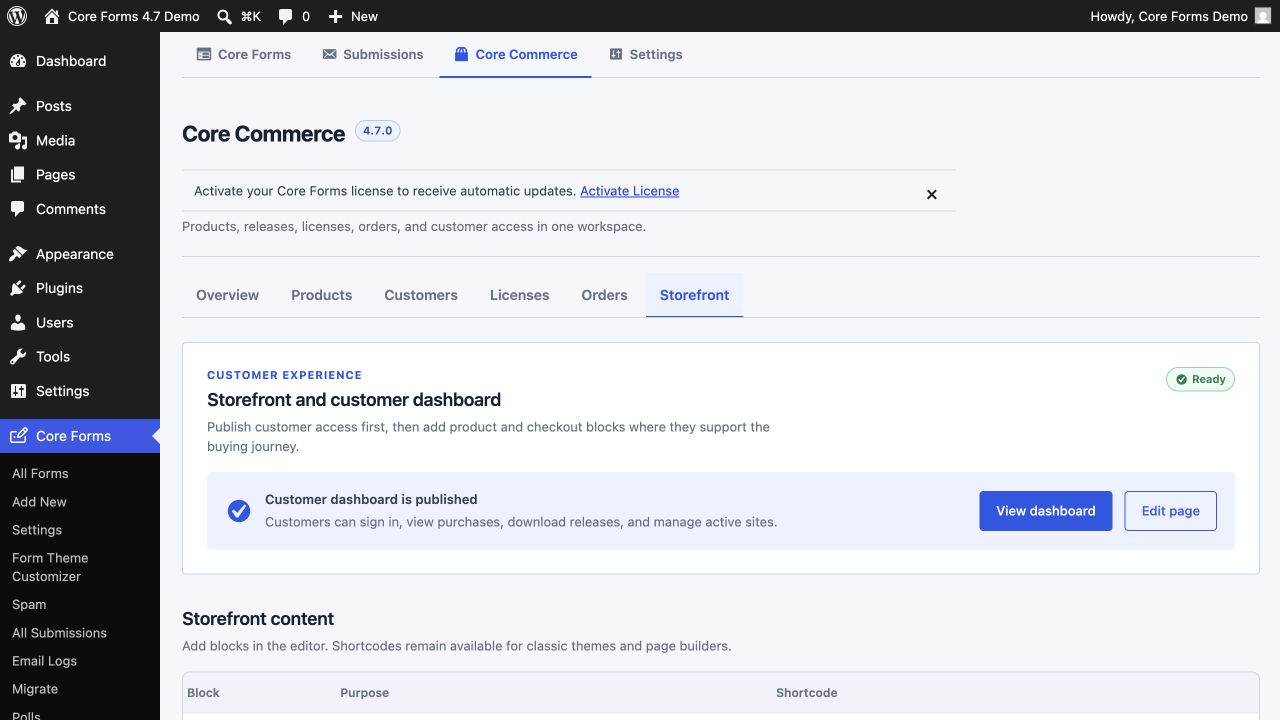
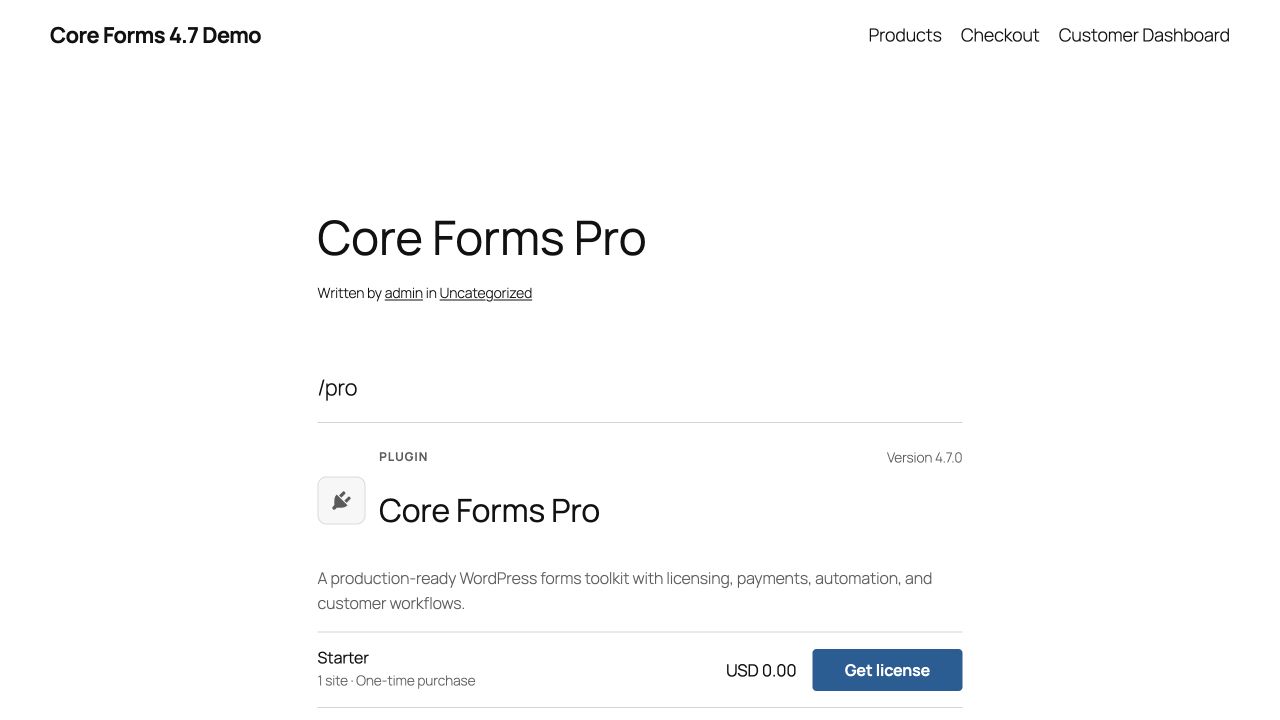
The Gutenberg block experience, the per-form editor, the cross-form submissions inbox, and the rendered form a visitor sees — all captured from the same production site.

The Gutenberg block experience

Insert a form or poll, pick which one to display from a dropdown, and tune the inspector — server-side preview, alignment, header, layout, and stylesheet overrides — without leaving the editor.

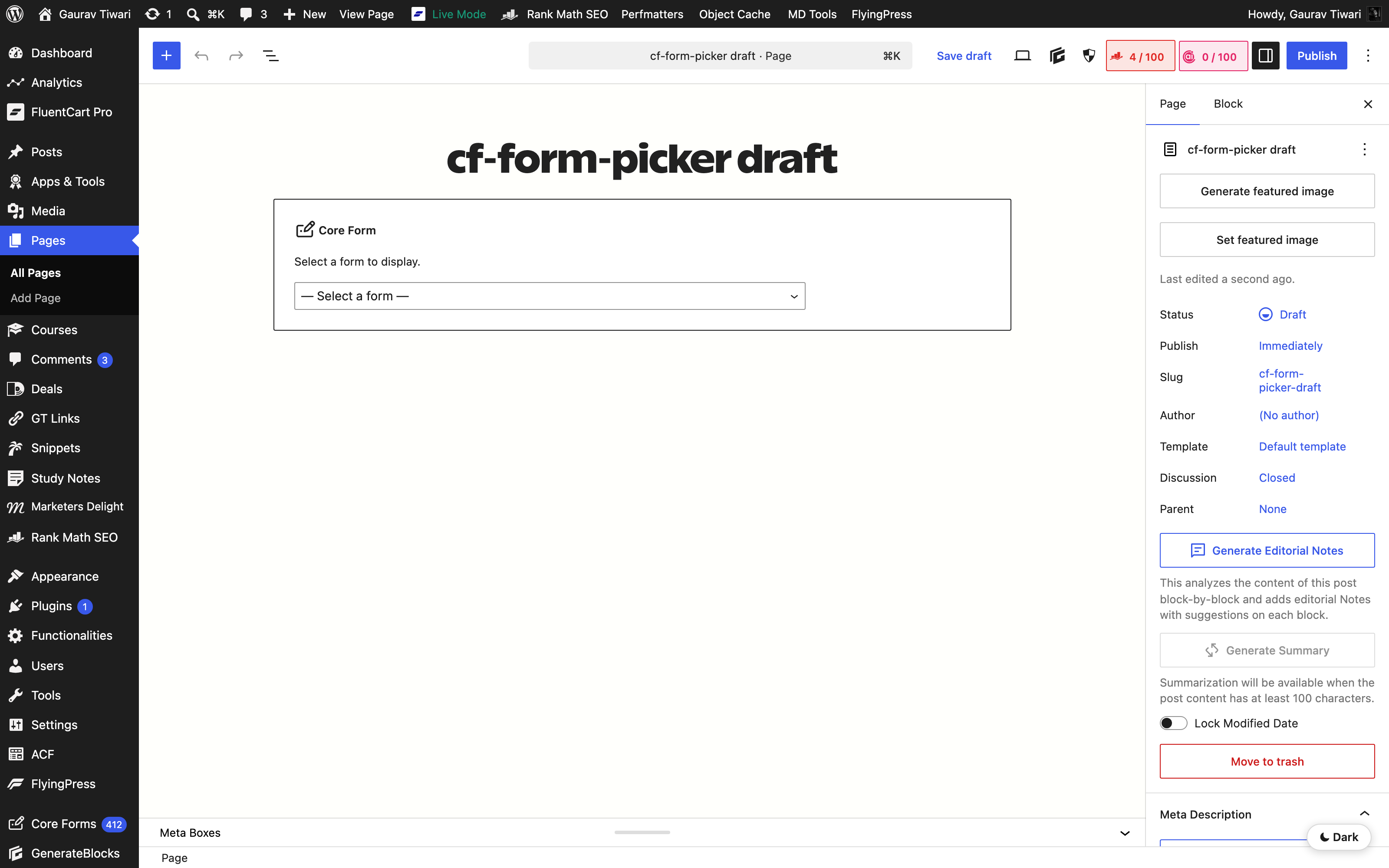
Core Form block freshly inserted, showing the form picker placeholder with a dropdown
Insert the Core Form block — pick which form to display from the placeholder dropdown.
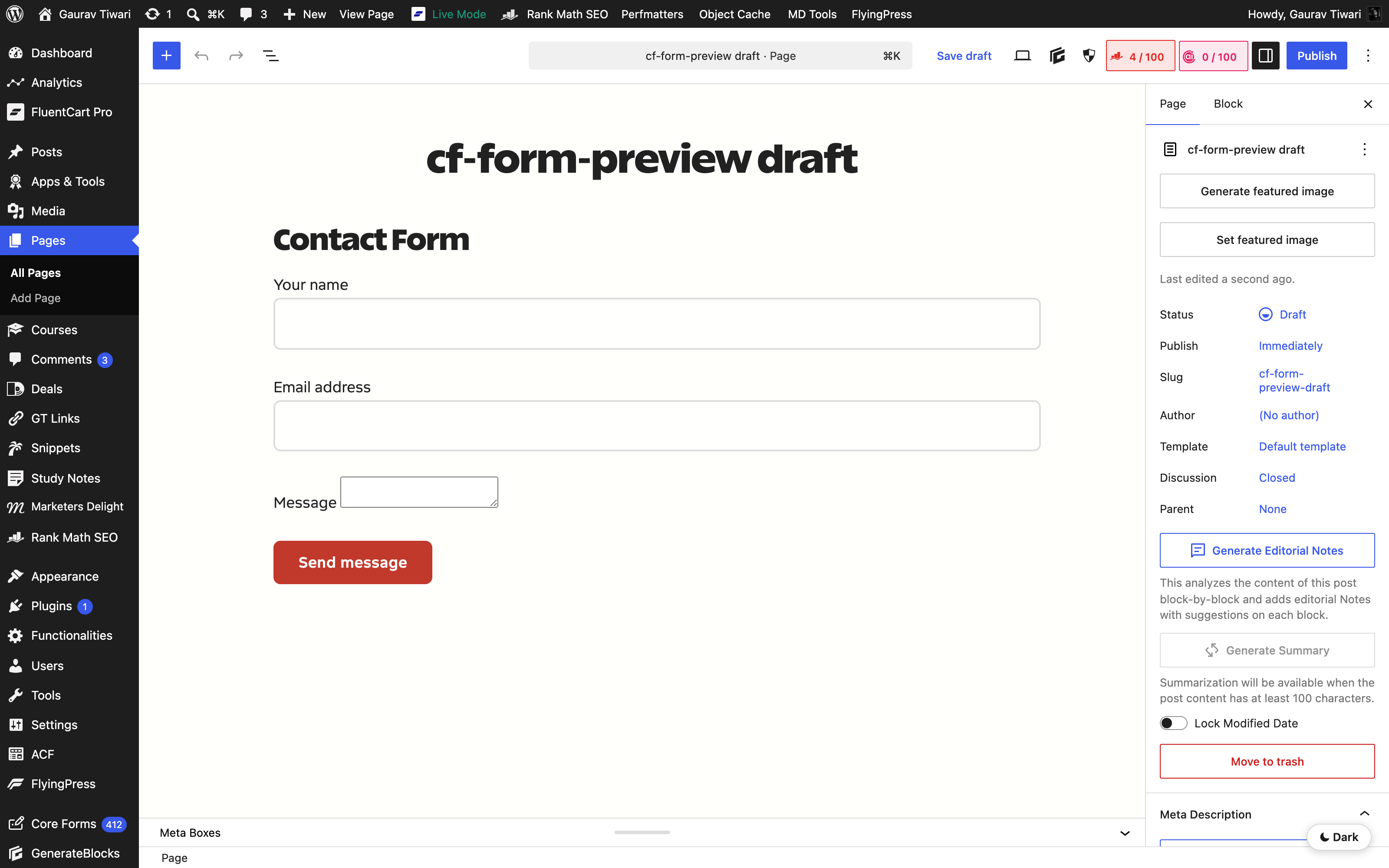
Block editor canvas showing the Contact Form rendered live via ServerSideRender
Selecting a form swaps the placeholder for a live ServerSideRender preview of the actual form.
Block editor inspector panel showing Form, Header, Layout, Stylesheets and Advanced sections
Inspector sidebar — Form picker, Header (title + level), Layout (width, anchor, class), Stylesheets, and Advanced.
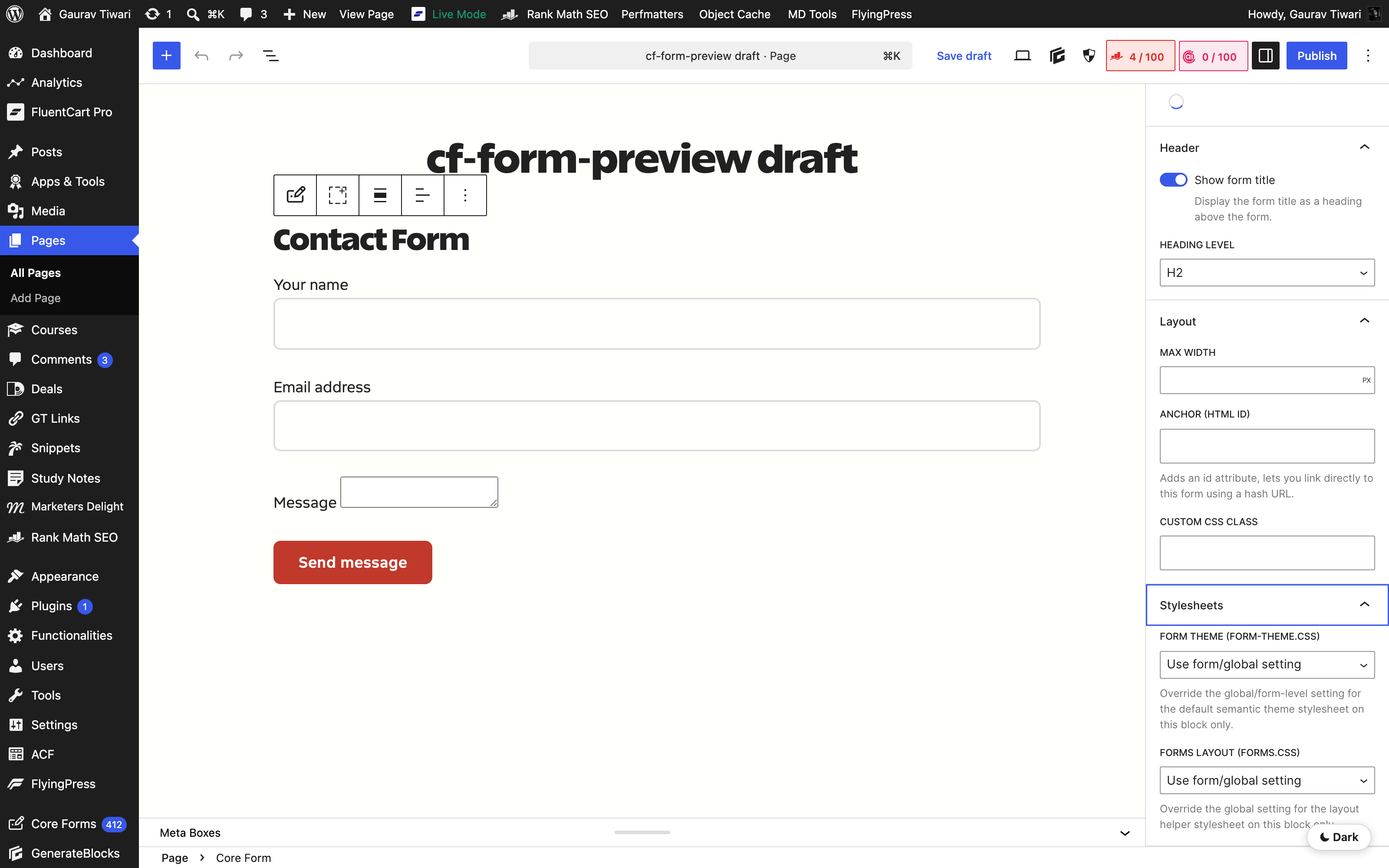
Inspector with Header, Layout and Stylesheets panels expanded showing all controls
All panels expanded — toggle the form title, set max-width, override theme/layout stylesheets per block.
Core Poll block placeholder showing "Choose a poll in the block sidebar"
The Core Poll block — same lifecycle as the form block, pick the poll from the inspector dropdown.
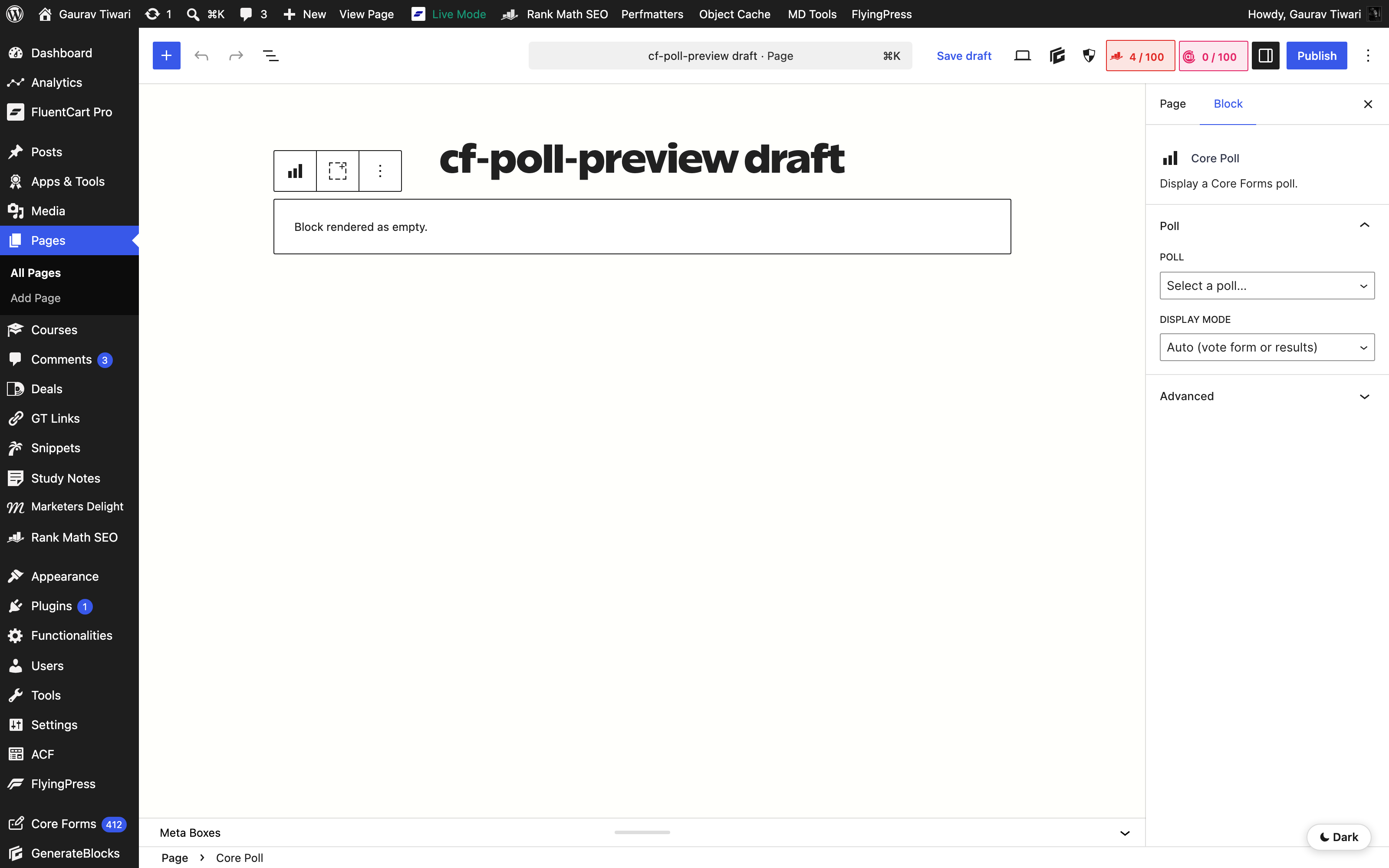
Poll block inspector showing Poll dropdown and Display Mode selector
Poll inspector — pick a poll, then choose Auto / vote form / results-only display.

On the page, for real

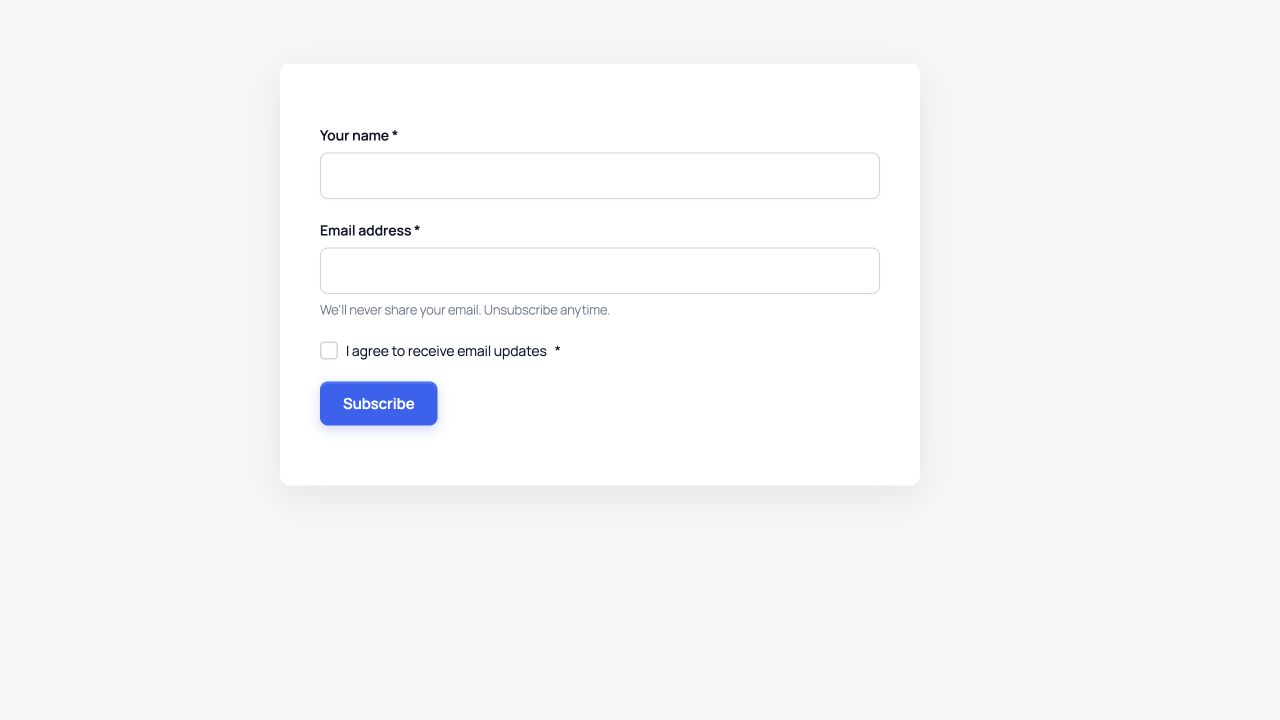
What visitors actually see — the default semantic theme renders a clean, accessible form on any WordPress theme. Polls follow the same design tokens so they read as the same product.

Live Core Forms contact form rendered with name, email, subject, message and a Send message button
Live form — 5-line textarea by default, 44px touch-target floor, HCM-safe focus ring.
Live Core Forms poll asking "Which is a better CMS?" with WordPress and Wix options
Live poll — same token system, single Vote button, accessible radio group.

The Forms admin

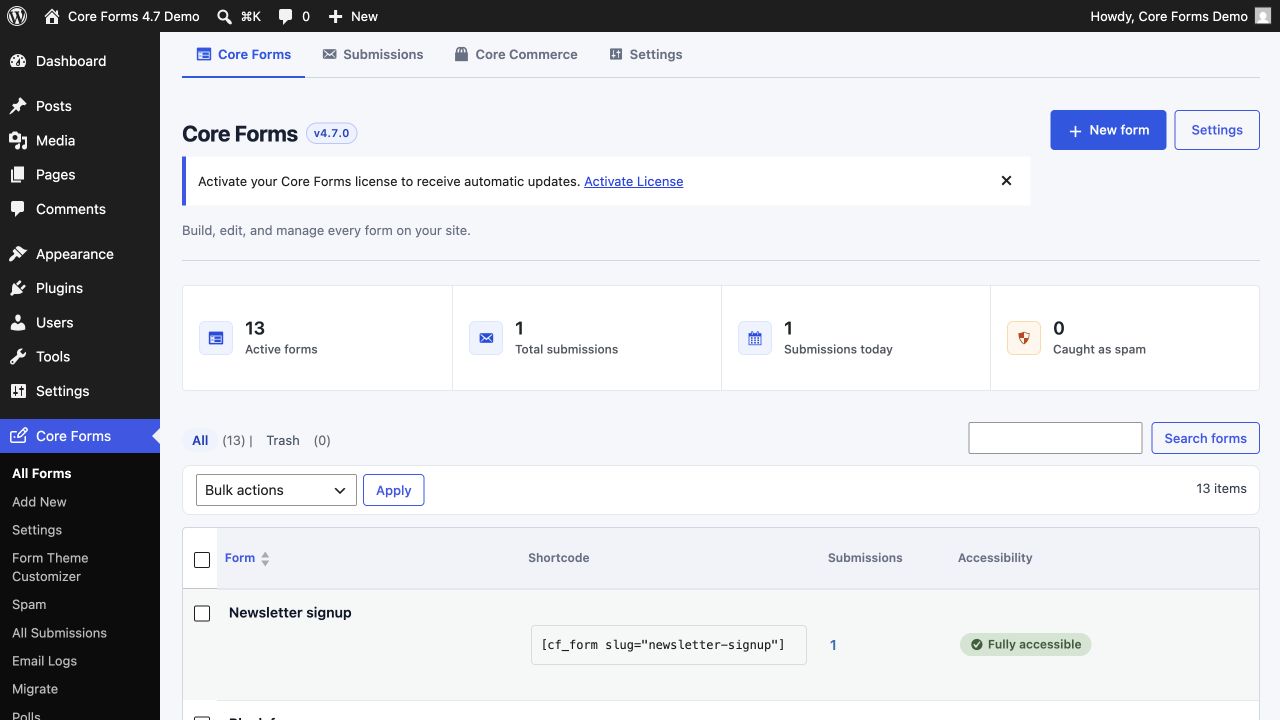
Every form on your site in one list — submissions counts, shortcodes, accessibility status — plus a four-tile dashboard at the top of the page.

Core Forms admin showing the All Forms list with metrics, shortcodes and accessibility status
All Forms — active forms, total submissions, today's submissions, spam caught, and per-form accessibility issues at a glance.
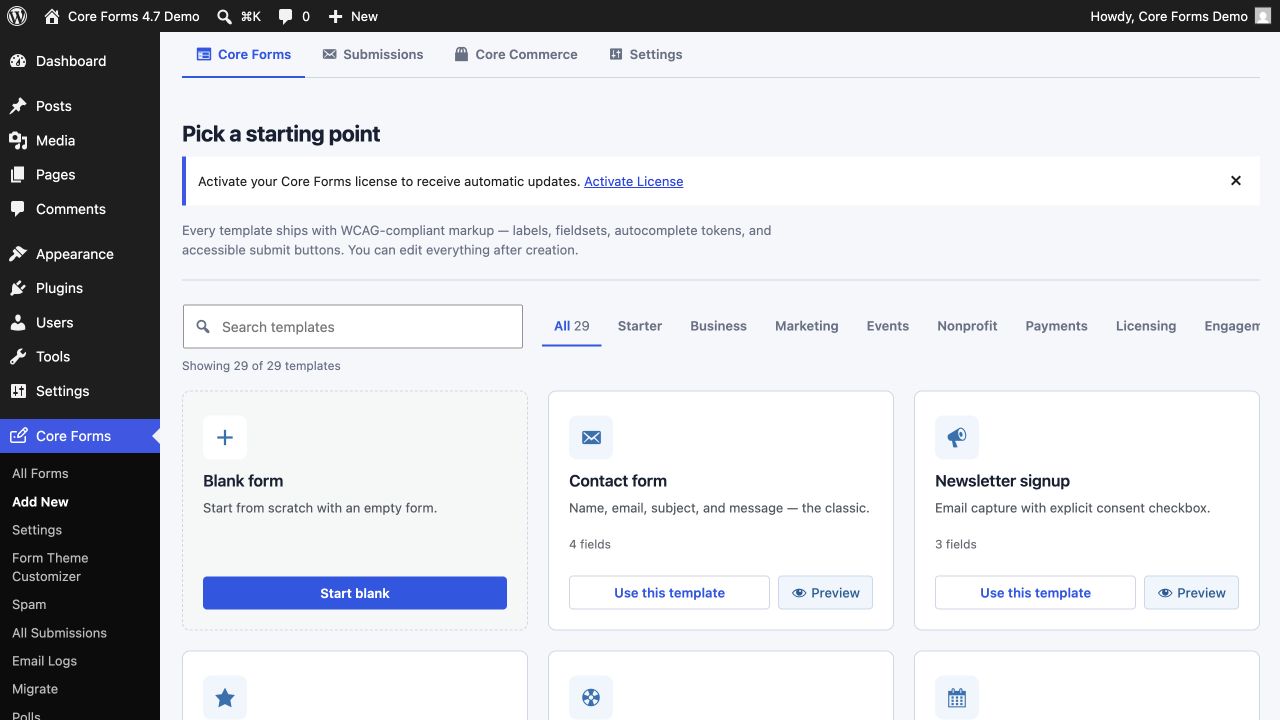
Add new form gallery showing form templates to start from
Add New — start from a template (contact, support, RSVP, multi-step) or a blank form.

The per-form editor

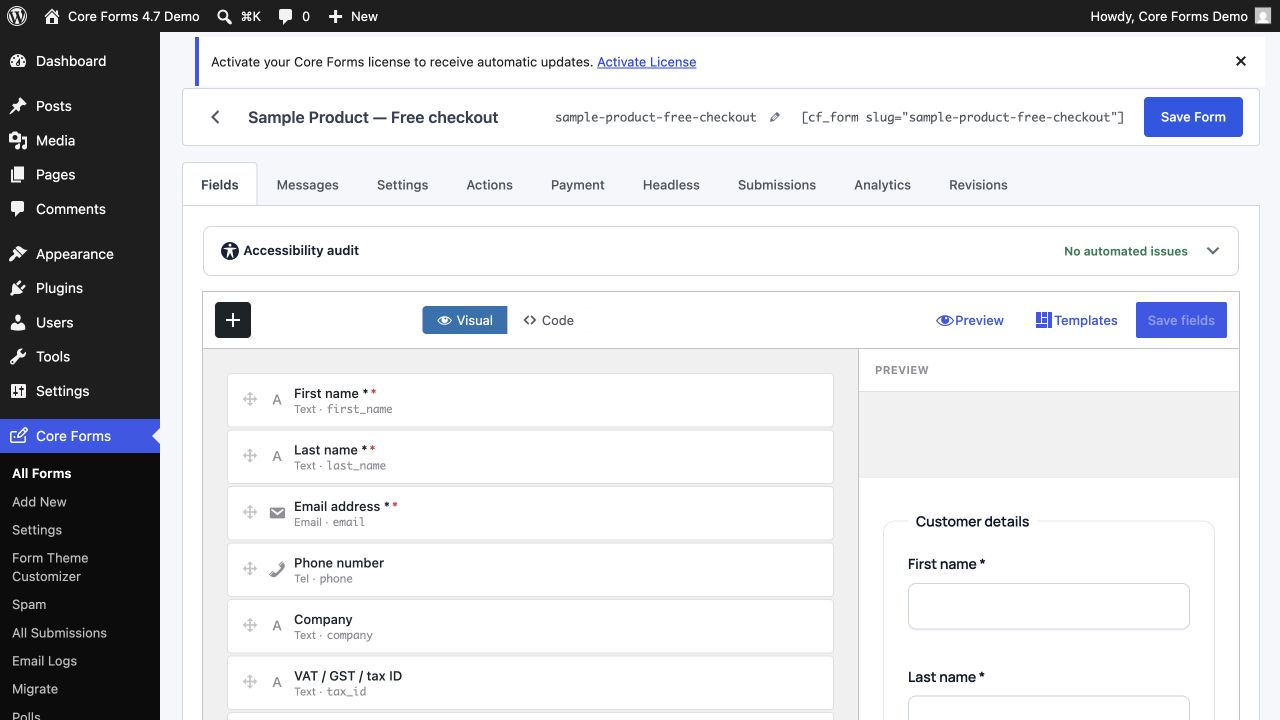
Edit a form across seven focused tabs — Fields, Messages, Settings, Actions, Payment, Headless, Submissions. Each tab keeps everything in scope, nothing buried.

Fields tab showing the HTML editor for form markup
Fields — plain HTML, no field-builder lock-in. Write your form, render it.
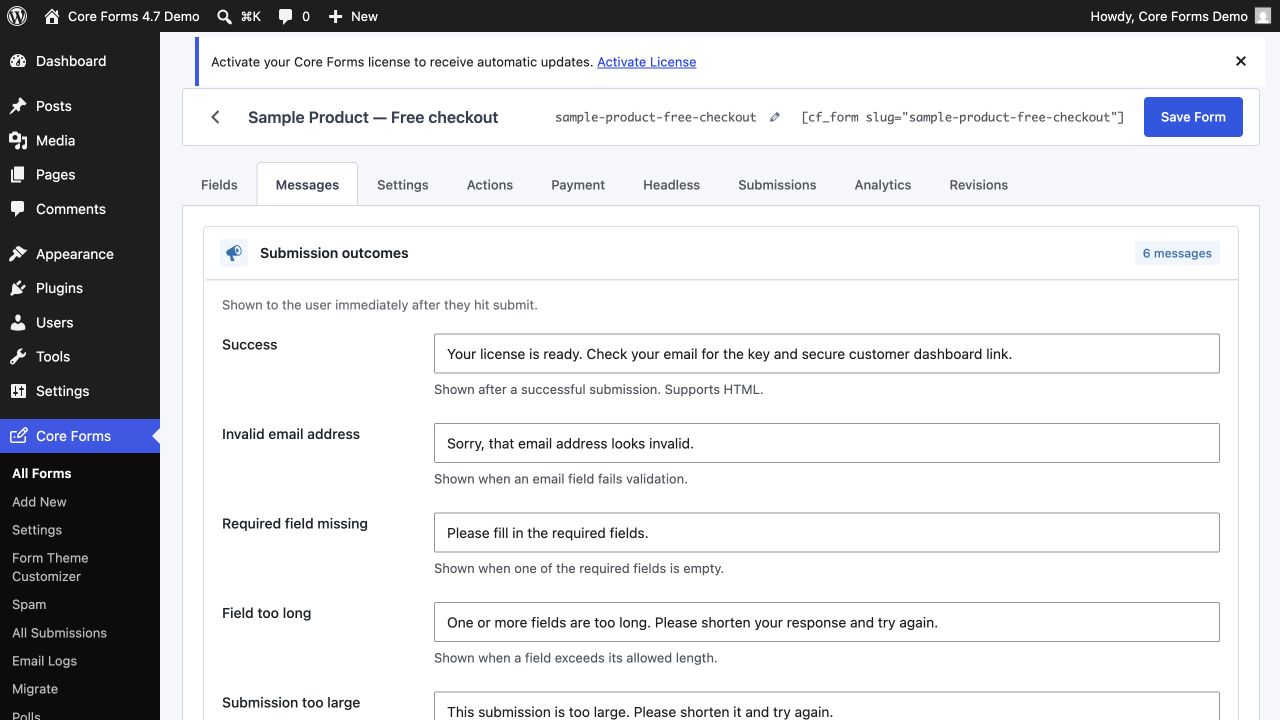
Messages tab showing per-state response text editors
Messages — one inline editor per state (success, invalid email, required, spam, error).
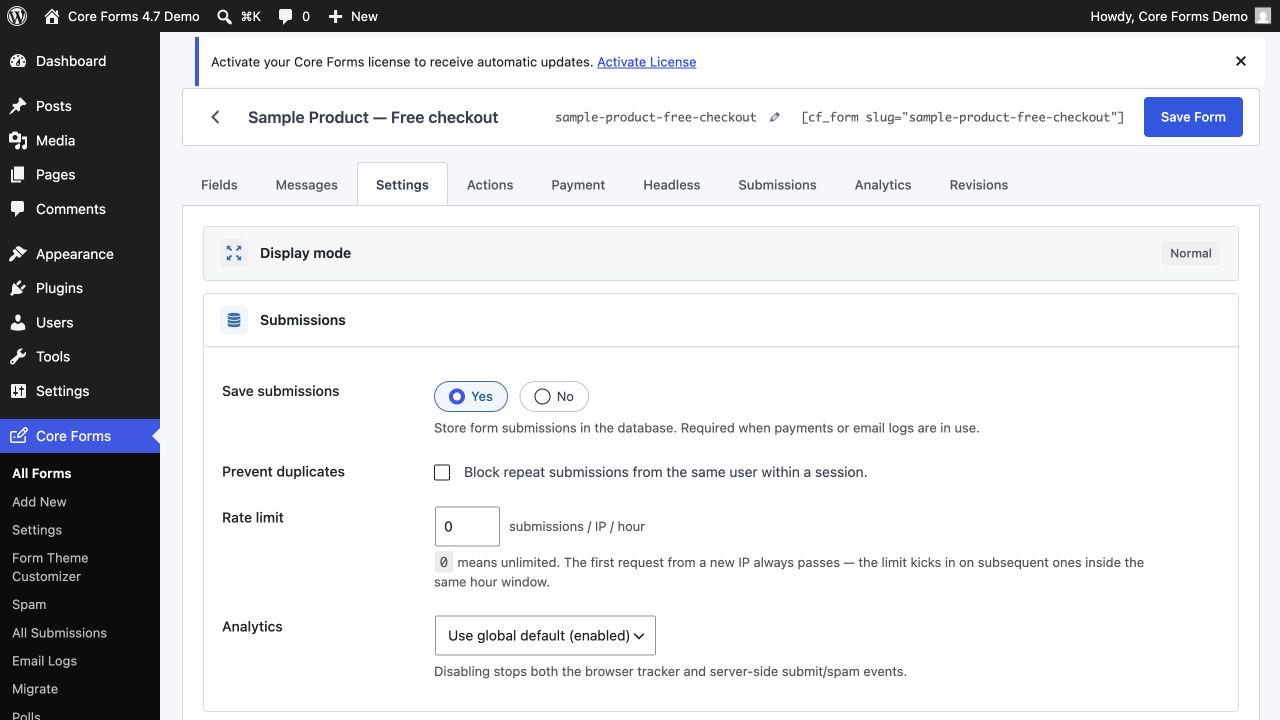
Settings tab showing per-form behaviour options
Settings — submission storage, redirect, AJAX behaviour, anti-spam, accessibility toggles.
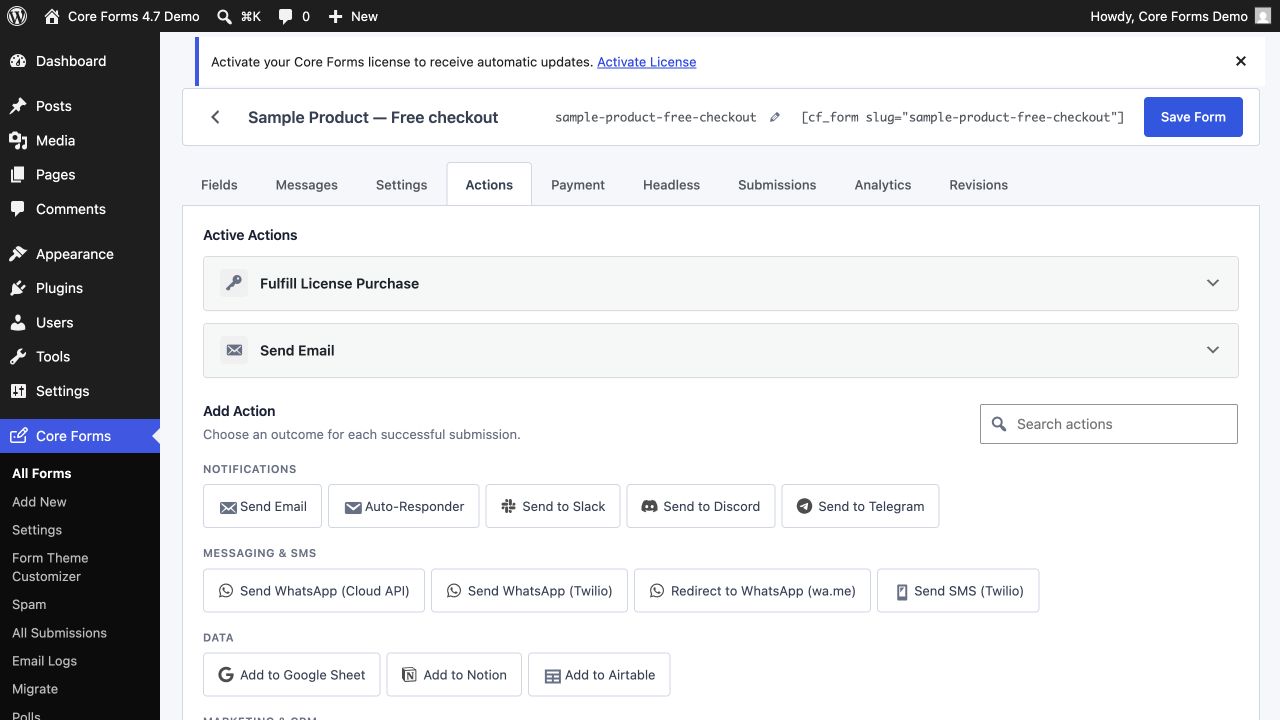
Actions tab showing the Send Email action configured for the support form
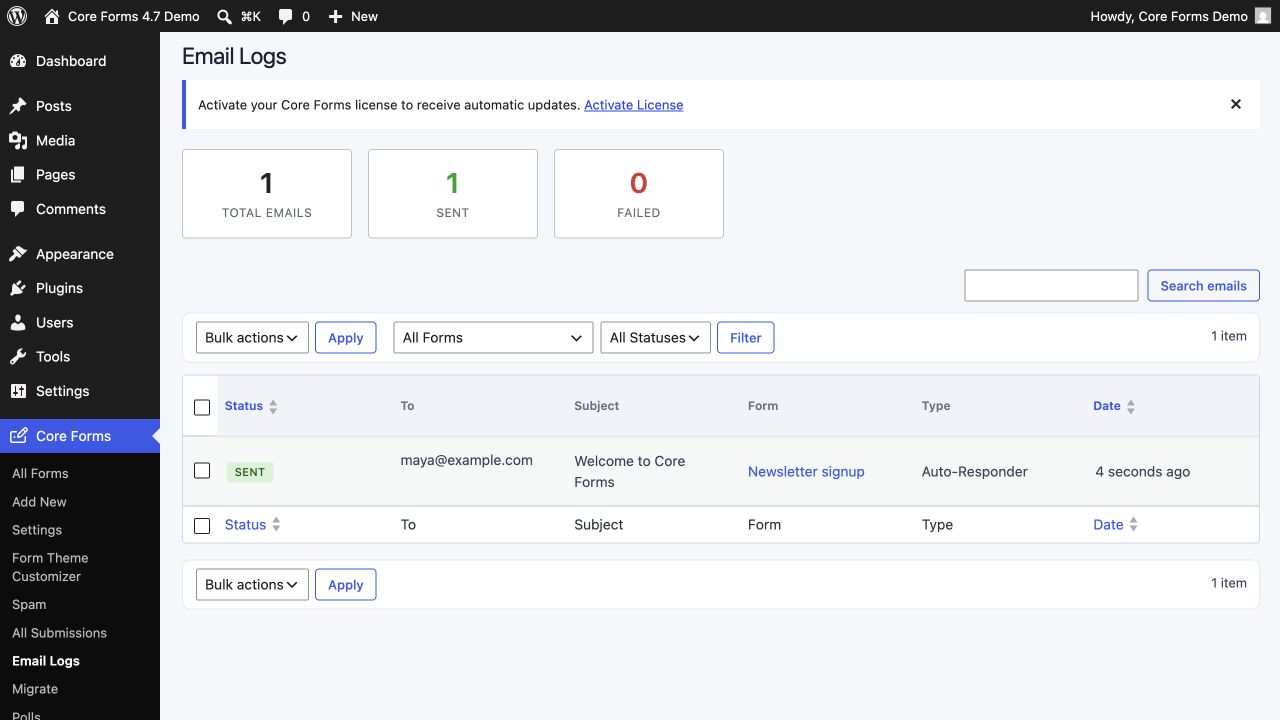
Actions — Send Email, Webhook, Autoresponder, Mailchimp etc. configured per form.
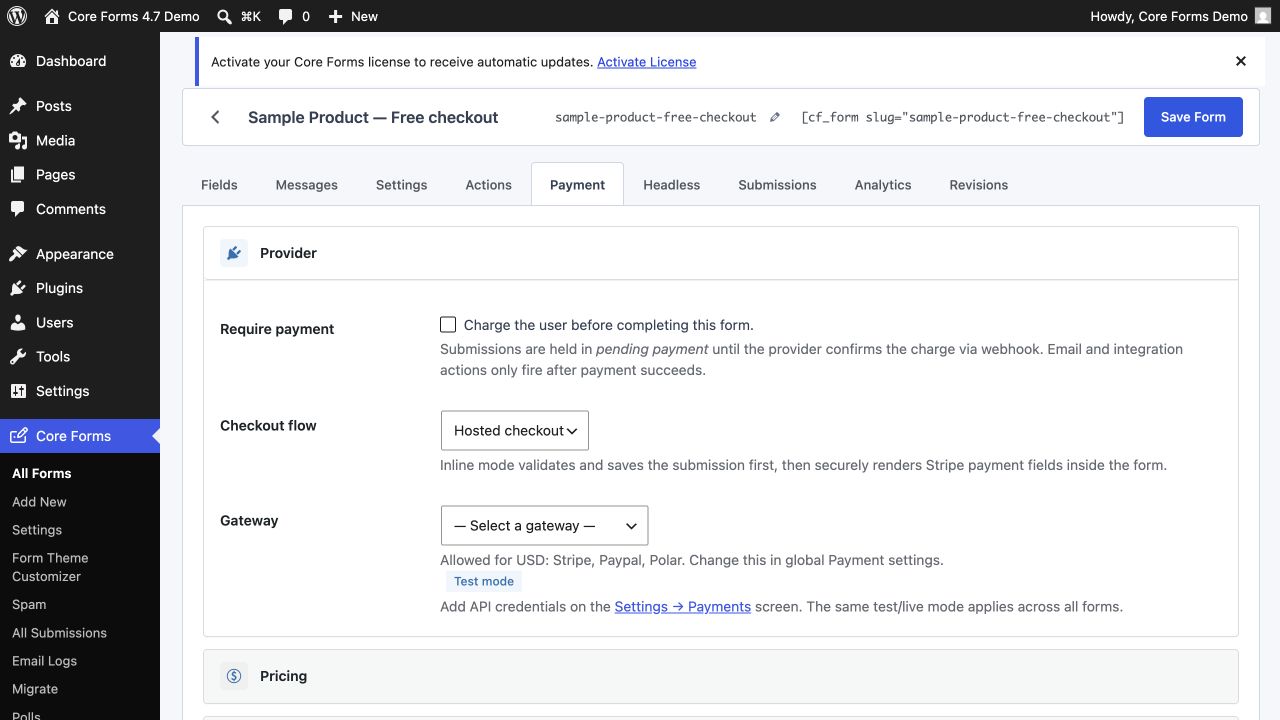
Payment tab showing Stripe/PayPal/Razorpay payment configuration for the form
Payment — wire a form to Stripe, PayPal, Razorpay, Polar.sh, or FluentCart.
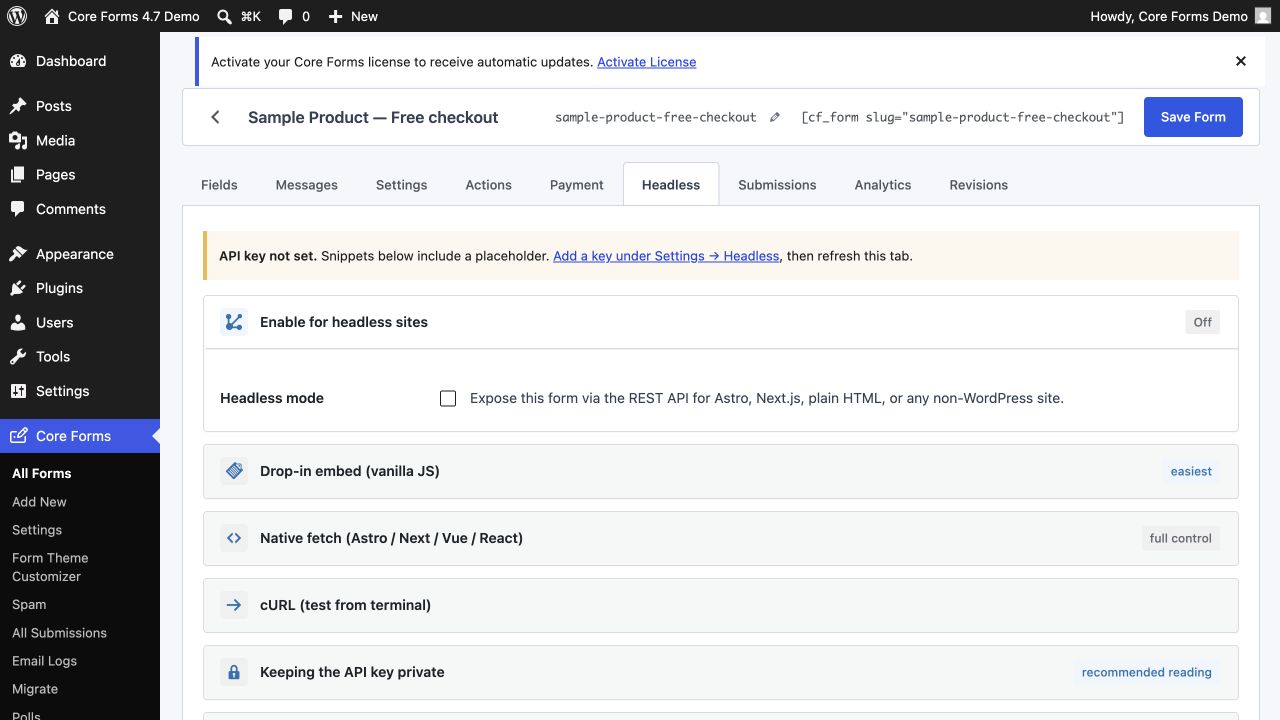
Headless tab showing how to enable cross-origin REST submission from Astro/Next.js
Headless — flip the per-form toggle and submit from Astro, Next.js or plain HTML.
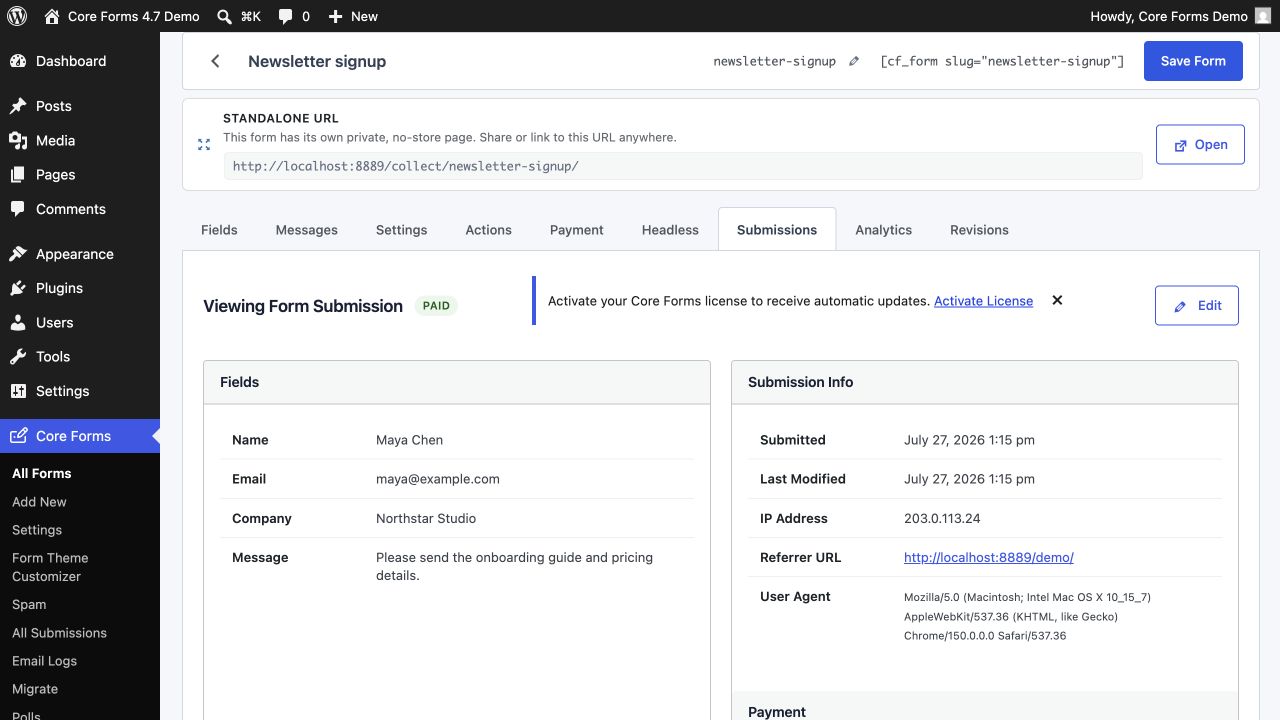
Submissions tab on a single form showing two timestamped entries with names and emails
Submissions (per-form) — a focused list scoped to one form, with bulk actions and search.

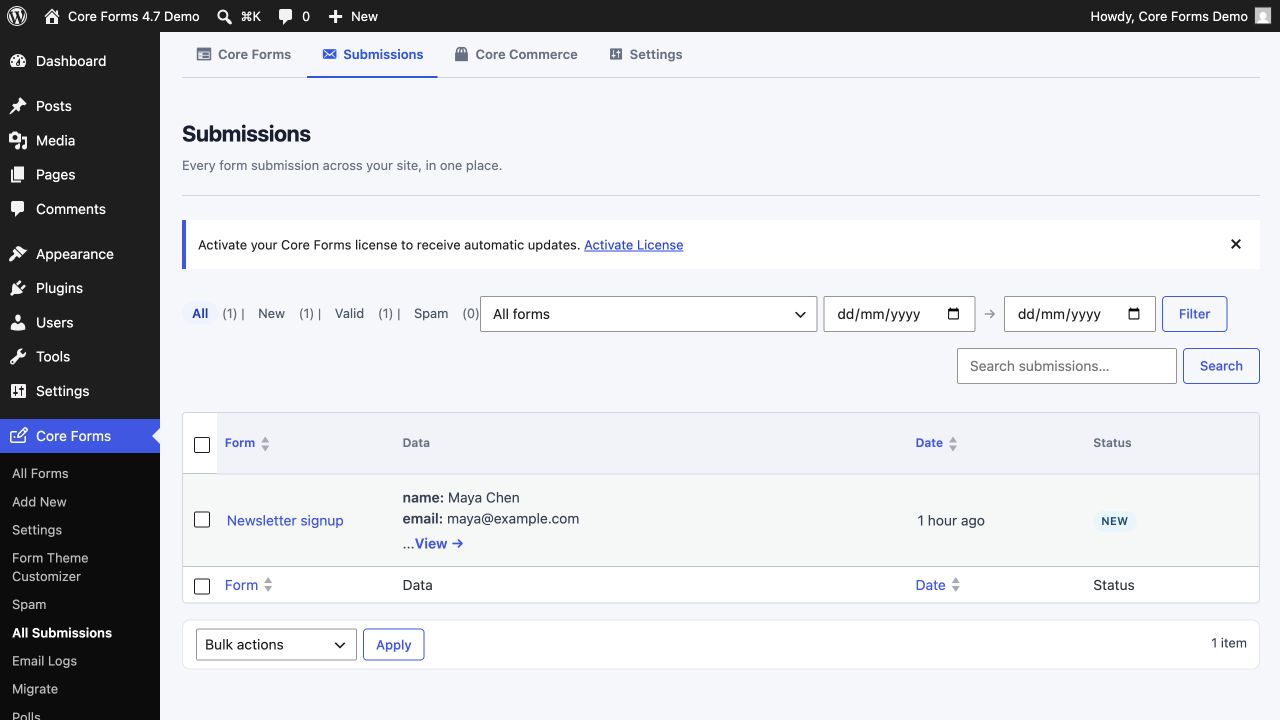
Submissions, inboxed

Every submission across every form, in one card view — open one to see the full record, reply via email, mark spam, or replay the action loop.

All Submissions card view across all forms with filters, search and pagination (data redacted)
All Submissions — a per-card view of every entry across every form. Filter by form, status, date; search across fields. (Visitor data redacted in this screenshot.)

Global settings

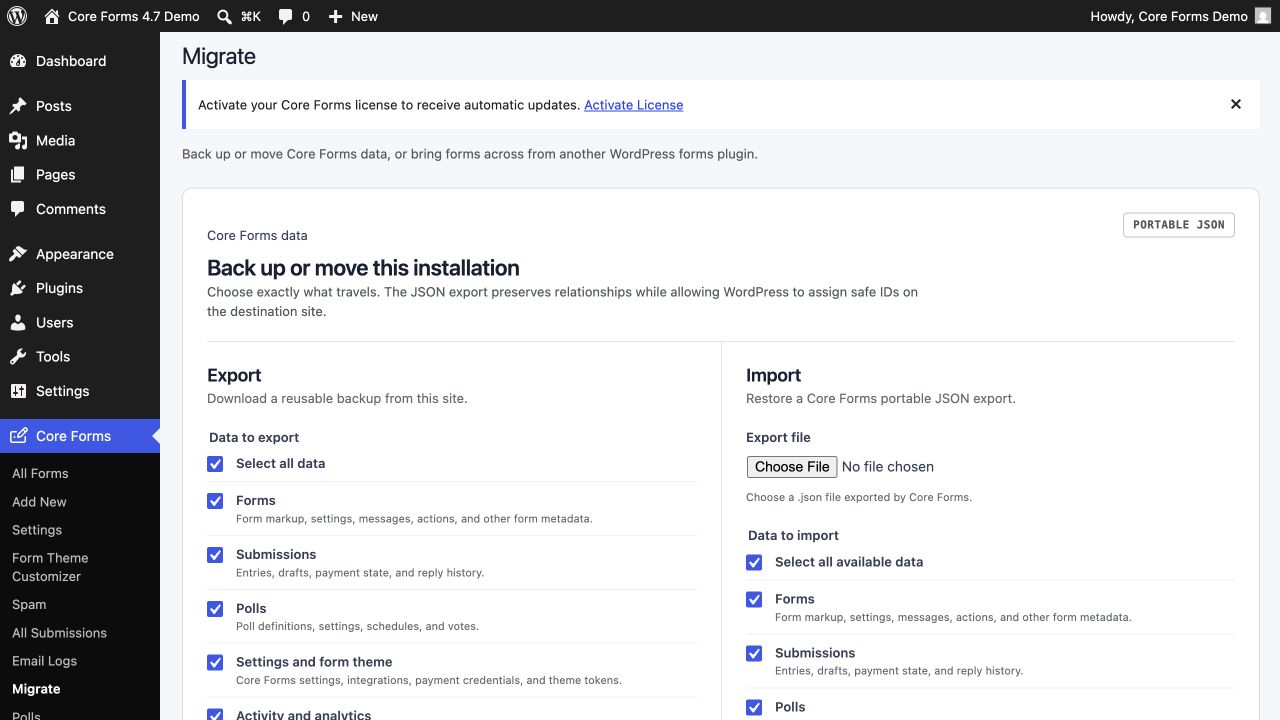
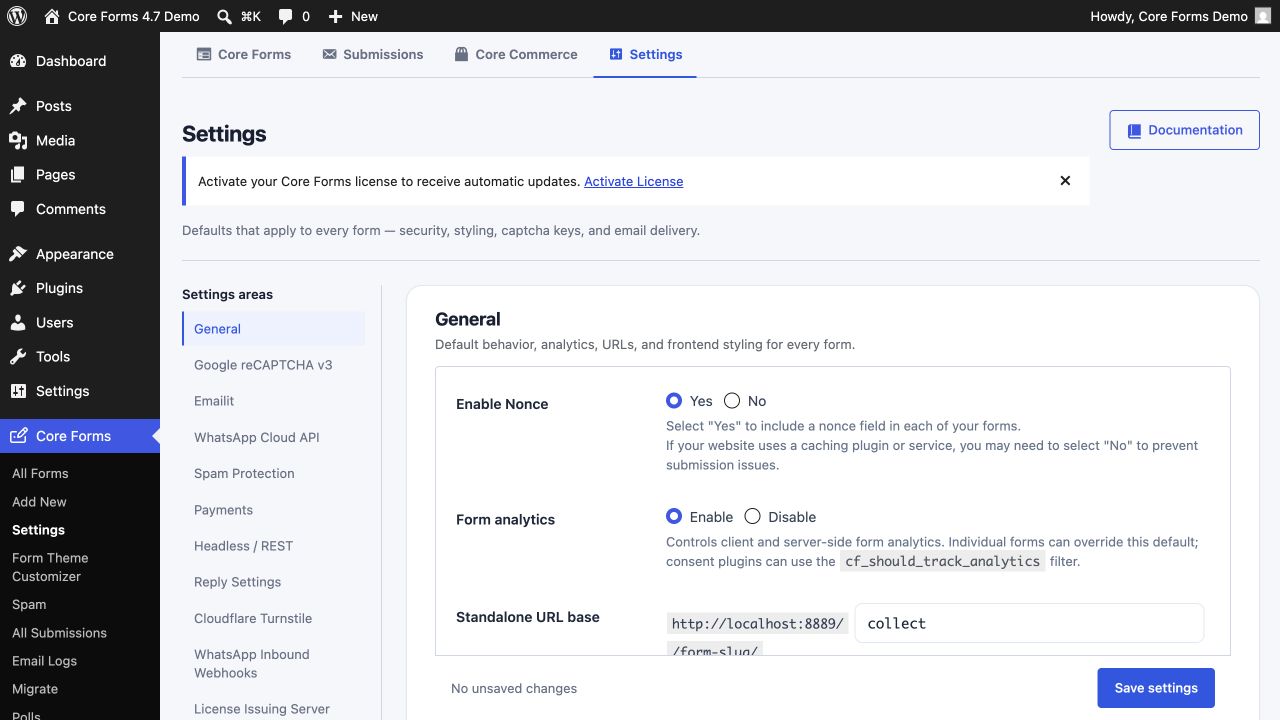
One place for site-wide defaults — themes, captchas, payment credentials, headless API key. Per-form settings override these.

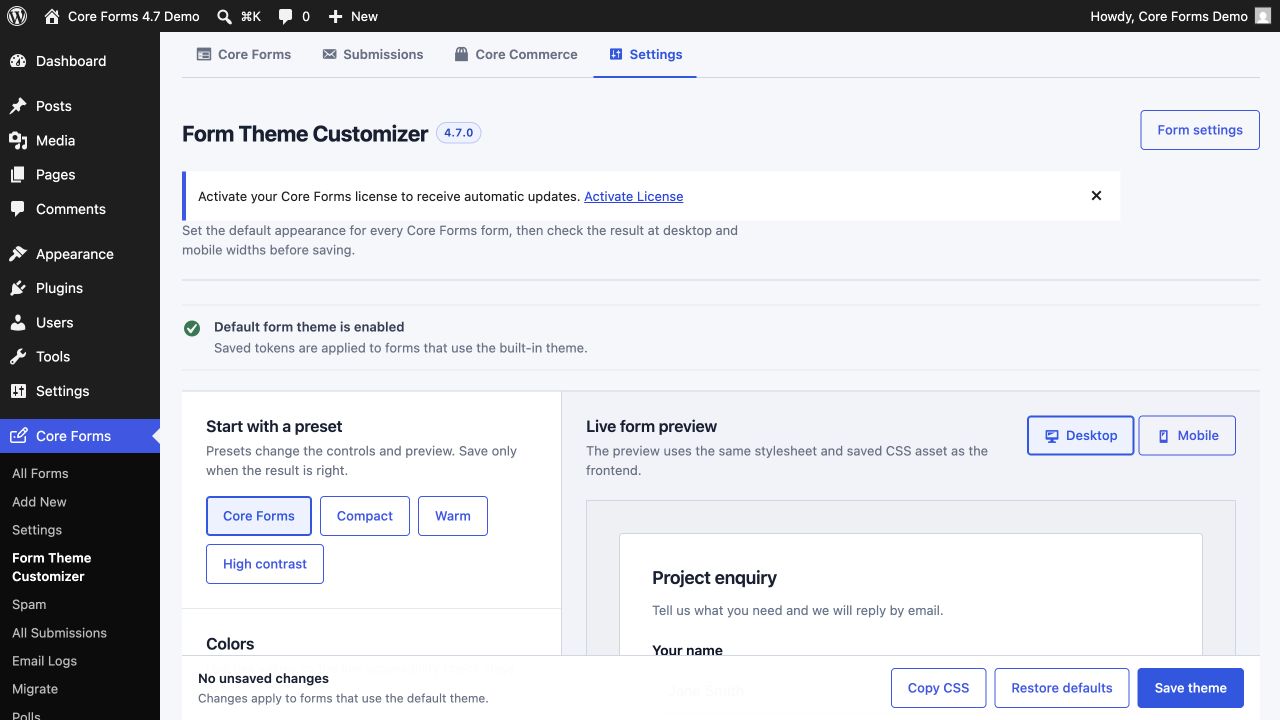
Global Settings tab with form theme customizer panel on the right
Settings — load behaviour, default form theme, captcha keys, and a live theme customizer with a WCAG 2.2 contrast check.
Payments section showing Stripe, PayPal, Razorpay, Polar.sh and FluentCart configuration status
Payments — sandbox/live toggle, per-provider Connect, no per-form duplication.
Headless/REST settings showing a masked API key and reply settings
Headless / REST — site-wide API key, rotation in one click, reply-sender defaults.

Try the live demo.

Every screenshot here is from a real site. The same forms, the same admin, the same plugin. Tap a button and try it yourself.