
Markup-level rules
Add `data-show-if` directly in your HTML; works on any element.
Feature
Show, hide, and skip fields or actions based on values with simple data-show-if attributes.
For the longer version, read Conditional logic in WordPress forms.
Part of Core Forms, with every premium WordPress form feature in one plugin, one license and unlimited sites.
Conditional logic in Core Forms is markup-driven: add a `data-show-if="field:value"` attribute to any element and it appears/disappears based on the user’s input. No separate logic-builder modal, no rules-engine to wire up.
The same pattern works on actions — fire an email only when a checkbox is ticked, post to a webhook only when budget > $1000, route to different recipients per value.
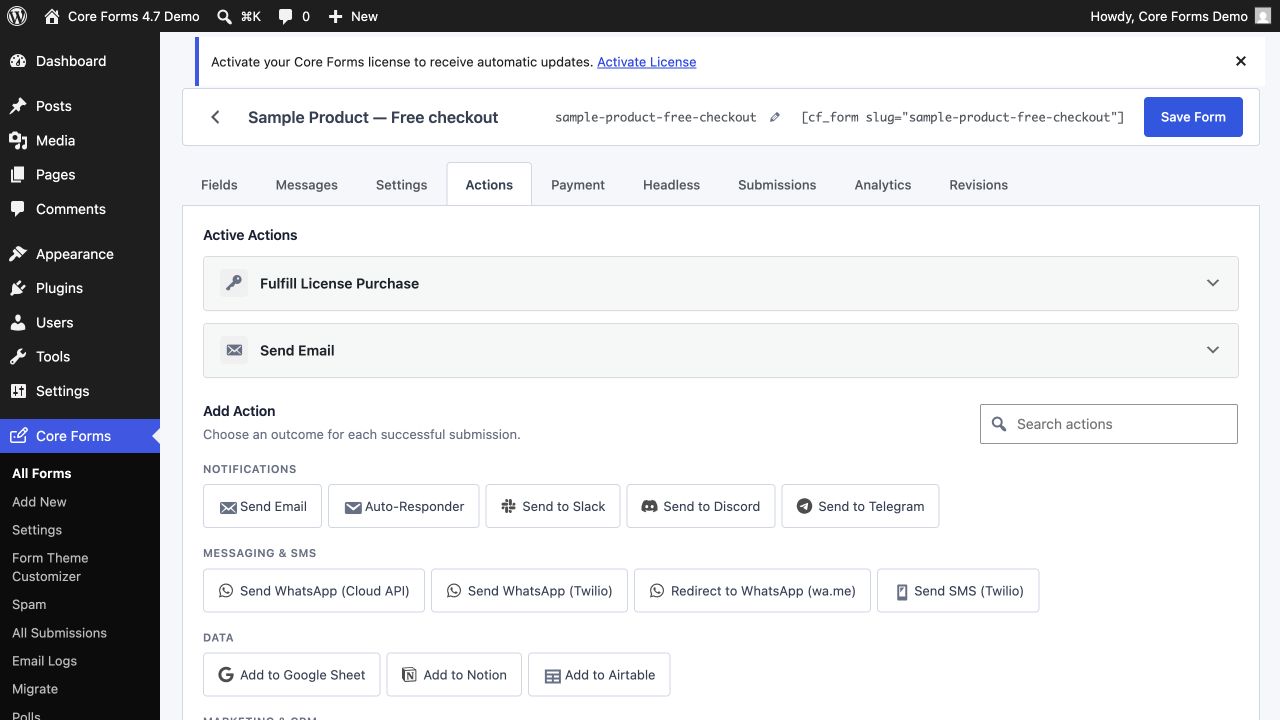
Add `data-show-if` directly in your HTML; works on any element.
Combine field values with AND / OR logic via comma-separated rules.
Each action (email, webhook, integration) can have its own conditional run rule from the editor.
Use the drag-and-drop field builder or drop in your own HTML — the markup you ship is exactly the markup you get.
Use {{user.email}}, [field_name], {{post.ID}} and URL params in forms, emails, redirects and webhooks.
Show one question at a time, full-bleed, with smooth animations and a progress bar. No third-party redirect, no per-response pricing.
Conditional fields & actions is included with your license.