
Selling
How to Sell WordPress Themes Without a Marketplace
To sell WordPress themes from your own site, you need checkout, license keys, updates, a customer area, and a payment gateway. Here is the stack.

To sell WordPress themes from your own site, set up checkout, license keys, updates, a customer area, and a payment gateway. For most theme authors, that is the better long-term deal. A marketplace takes a significant cut of every sale and owns the customer relationship. You don’t get buyer emails, you can’t set your own prices freely, and your shop lives on someone else’s domain.
Selling from your own site needs the same five pieces as selling a plugin: a checkout, license keys, an update endpoint, a customer area, and a payment gateway. All five can run inside WordPress. I sell my own products this way.
The one thing a marketplace genuinely does better: discovery. I’ll be honest about that below, including when keeping ThemeForest as a channel makes sense.
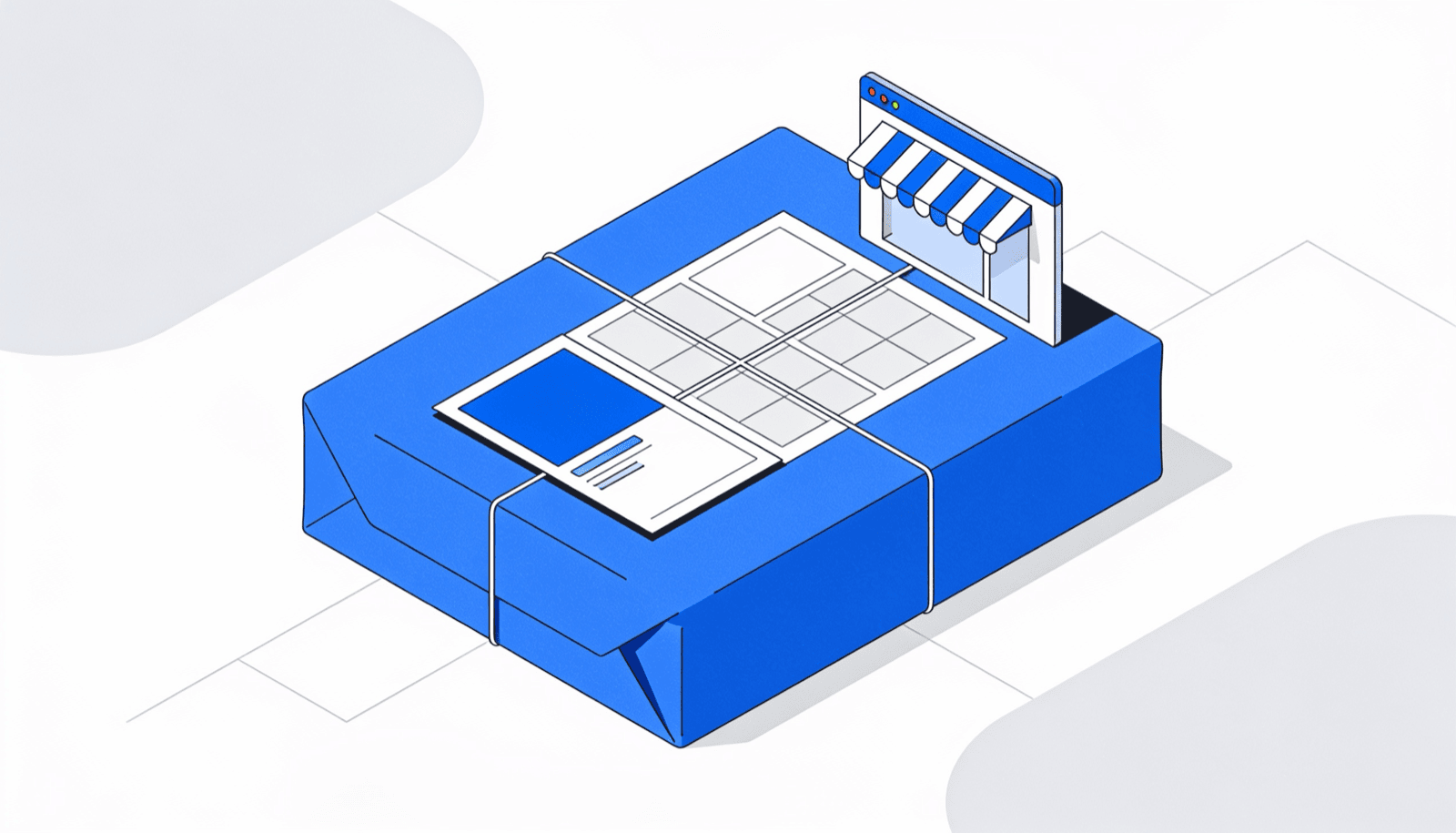 The same theme ZIP. On your domain, the buyer’s email and the full sale price are yours.
Marketplace vs your own site
The honest comparison: a marketplace brings traffic and takes control; your own site gives you control and brings no traffic. Neither side of that table is spin.
| Marketplace (ThemeForest etc.) | Your own site | |
|---|---|---|
| Discovery and traffic | Built-in browsers, search, category pages — the real advantage | Zero. You earn every visitor |
| Cut of each sale | A significant share, larger if you’re non-exclusive | Only the gateway fee (Stripe US cards: 2.9% + 30¢) |
| Pricing control | Constrained by category norms and marketplace rules | Fully yours — plans, bundles, renewals, sales |
| Customer emails | The marketplace’s, not yours | Yours, from the first sale |
| Refunds and support terms | Marketplace policy | Your policy |
| Payout timing | On the marketplace’s schedule | Gateway deposits, days not weeks |
If you’re starting from zero audience, the marketplace’s discovery is worth real money. If you already have any audience — a blog, a free theme on WordPress.org, a YouTube channel — the cut you’re paying for discovery you no longer need gets painful fast.
What theme buyers expect when you sell WordPress themes
Theme buyers expect four things the moment payment clears: an instant download, a license key, visible version history, and a clear renewal story. Miss any one and you’ll spend the saved marketplace cut on support email instead.
Instant download. Payment confirmed, ZIP available. Not “we’ll email it within 24 hours.”
A license key that gates support and updates. Buyers coming from ThemeForest already understand purchase codes — I unpacked how that model works in the ThemeForest license explainer. Your key plays the same role: it identifies the customer, gates one-click updates, and marks who’s entitled to support.
A changelog and versioned releases. A buyer deciding whether to renew looks at your release history. Ship versioned ZIPs and write changelogs.
A renewal path. Annual support-and-updates terms are the norm now. The buyer should see their expiry date and renew in two clicks, not email you asking what they owe.
And before any of this: the theme itself has to be built right. The WordPress theme handbook is the standard I hold my own work to — buyers on your own site have no marketplace reviewer protecting them, so you’re the reviewer.
The own-site stack
Since version 4.4, Core Forms ships everything you need to sell WordPress themes directly as a “License Issuing Server” — and a theme is just a product with versioned ZIPs attached. Enable the server in Settings and it creates a customer dashboard page for you. Then you define the theme as a product under Core Forms → Products & Licensing, with plans that set price, currency, billing period, license duration, and activation limit.
The flow, end to end:
Releases. You upload each versioned theme ZIP to the Media Library. Core Forms verifies the file by SHA-256 hash before every download, download links expire after 15 minutes, and every download is audited. No buyer is passing around a permanent link to your latest release.
Checkout. Any payment-enabled Core Form becomes the checkout — Stripe, PayPal, Razorpay, Polar, or FluentCart — with a “Fulfill License Purchase” action attached. Fulfillment runs only after the gateway’s verified paid webhook, and it’s idempotent, so a retried webhook can’t double-issue keys. Selling two themes or a bundle? A form field maps the choice with value=product_id:plan_id:quantity. The commerce setup docs walk through the whole configuration.
Customer area. The dashboard shortcode shows each buyer their orders, masked license keys they can reveal, downloads, expiry dates, and activated sites. Guests who checked out without an account get a signed link that works for 30 days.
Renewals and refunds. A “Renew License Subscription” form extends the license from the later of today or the current period end — early renewers don’t lose time. Verified refunds disable the license and cancel the subscription automatically, and a daily maintenance job expires overdue licenses.
Two honest limits. Your payment provider still owns the actual recurring charging and stored payment methods — Core Forms tracks terms, access, and renewal orders around it. And Core Forms is not a merchant of record: it doesn’t calculate or remit global sales tax or VAT for you. If tax handling is your dealbreaker, a merchant-of-record platform like Lemon Squeezy (5% + 50¢) or Freemius (around 7% revenue share) earns its fee.
The mechanics here are identical to plugins — I covered the plugin-side walkthrough in how to sell WordPress plugins, and the licensing feature page lists everything the server does.
Pricing plans that work for themes
Three plans cover almost every theme business, and each one maps to a plan’s activation limit in Core Forms:
Single site. One activation, annual renewal for updates and support. Your entry price and, for most authors, most of your sales.
Up to 3 sites. Three activations at roughly double the single-site price. This is the freelancer tier — someone building for a couple of clients — and it’s often your best revenue per customer.
Unlimited + lifetime. No activation cap, no renewal. Price it at four to six times the single-site plan. Agencies buy this tier, and it’s the one a marketplace can’t easily offer you.
Because activation limits are enforced per plan through the license API, the tier isn’t an honor system. The theme phones home through EDD Software Licensing-compatible endpoints — check_license, activate_license, get_version — so any theme update code written for that de-facto standard works against your server without changes.
Keeping ThemeForest as a channel
You don’t have to choose. Some authors run both: the marketplace listing for discovery, their own site for direct sales and the customer relationship.
The catch is exclusivity. ThemeForest pays exclusive authors a better rate but forbids selling the same theme elsewhere; non-exclusive authors keep the freedom and give up a bigger cut. Neither is wrong — it depends on where your buyers come from today.
A pattern that works: keep the marketplace item as-is, and sell your next theme — or a pro version, or a bundle — from your own site only. Every marketplace buyer who lands on your support pages sees your direct catalog. Over a year or two, the direct side compounds because you own the email list; the marketplace side stays flat because you don’t.
Who this isn’t for: if you have zero audience, no free theme, and no content bringing traffic, going direct-only means selling into silence. Start on the marketplace, build the audience, then add the direct channel.
FAQ
How much does it cost to sell WordPress themes from my own site?
The gateway fee plus your license-server tooling. Stripe charges 2.9% + 30¢ on US online card payments; Core Forms runs the checkout, keys, downloads, and customer dashboard inside WordPress. Compare that to Gumroad’s 10% flat or a marketplace’s significant share and the direct math wins early.
Do theme buyers really need license keys?
For paid themes with updates and support, yes. The key gates one-click updates from your server, identifies who’s entitled to support, and enforces activation limits per plan. Without keys you’re shipping updates to everyone forever, including refunded buyers, with no way to tell tiers apart.
Can my theme’s update checker work with Core Forms?
Yes, if it speaks the EDD Software Licensing API — the de-facto standard most theme update libraries target. Core Forms exposes compatible check_license, activate_license, deactivate_license, and get_version endpoints, and legacy ?edd_action= requests still work, so existing updater code needs no rewrite.
Does Core Forms handle EU VAT on theme sales?
No. Core Forms is not a merchant of record — it fulfills licenses after your gateway confirms payment, but tax calculation and remittance are on you and your gateway’s tooling. If hands-off global tax is essential, a merchant of record like Freemius or Lemon Squeezy is the honest alternative.