
Frontend publishing
Build a WordPress Frontend Post Submission Form
Build a WordPress frontend post submission form that saves drafts, sanitizes content, maps custom fields, and keeps publication under review.

WordPress frontend post submission lets contributors send an article, listing, testimonial, event, or support ticket without entering wp-admin. The form is the easy part. The important decisions are what gets stored, how it is sanitized, and who gets to publish it.
The safe default is to create a draft or pending post, preserve a link to the original submission, and require editorial review before anything becomes public.
The WordPress frontend post submission workflow
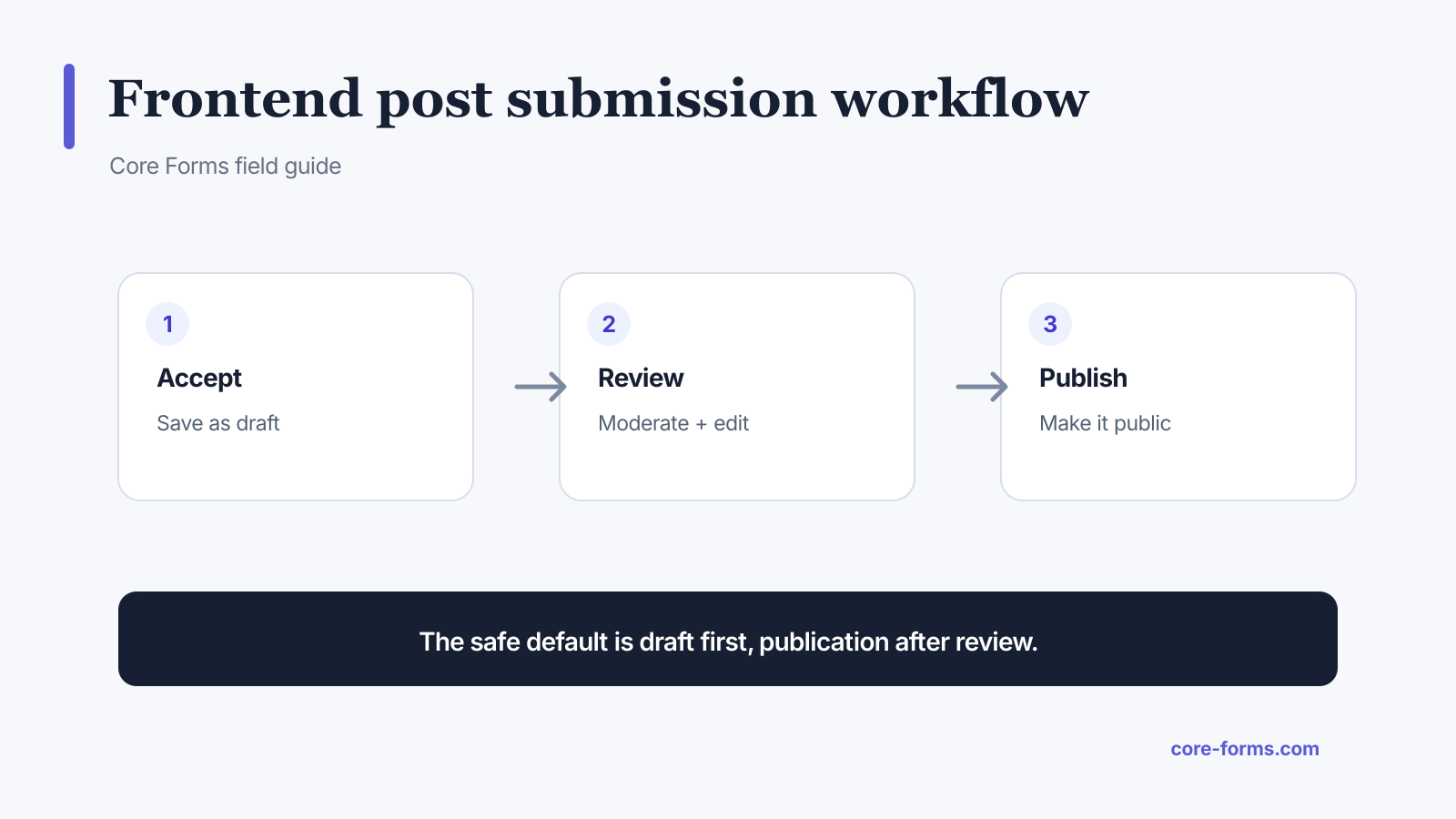 Save public submissions as drafts first, then review and publish.
Use this sequence:
- Accept only the fields the post type needs.
- Validate field length, format, and required values.
- Sanitize title, content, and metadata by context.
- Create a draft or pending post.
- Store the form submission ID for traceability.
- Notify the reviewer.
- Edit, approve, and publish inside WordPress.
Core Forms provides a Create WordPress Post action for posts and public custom post types. Custom code can use WordPress wp_insert_post(), which returns the new ID or a WP_Error when requested.
Design the form around the post type
A guest article form may need:
- proposed title;
- article body;
- author name and email;
- short biography;
- disclosure or terms acceptance.
An event form may need:
- event title;
- description;
- start and end time;
- venue;
- organizer contact;
- ticket URL.
Do not use one giant generic form for every content type. The labels, validation, review rules, and confirmation copy should match the job.
Create drafts, not instant publications
Public publish status turns a form into an unmoderated publishing endpoint. That creates risks:
- spam and malicious links;
- unsupported claims;
- unsafe HTML;
- duplicate content;
- privacy violations;
- broken taxonomy and layout;
- accidental search indexing.
Use draft when an editor owns the review. Use pending when contributors need a distinct submitted-for-review state. Reserve automatic publication for tightly controlled, authenticated workflows with narrow fields.
Sanitize each field by context
Different destinations need different handling:
- title: plain text with HTML stripped;
- post body: safe HTML through
wp_kses_post(); - email:
sanitize_email()plus validation; - URL: URL sanitization and scheme checks;
- taxonomy: server-side allowed term IDs;
- meta key: a fixed configured mapping;
- checkbox arrays: validate each allowed value.
Do not run an entire submission through one generic sanitizer. Plain text rules can destroy article formatting, while permissive HTML rules are wrong for a title or email.
Map post fields and metadata
A basic Core Forms action can use:
Post type: post
Post status: pending
Title field: title
Content field: content
Custom fields:
author_name=_guest_author
email=_guest_email
The action stores _cf_submission_id on the created post. That reference helps support and moderation teams compare the post with the original form entry.
For ACF, taxonomy, featured images, and richer article workflows, use the dedicated Create Article integration documented beside the base post action. File uploads need separate MIME, size, ownership, and media-library checks. See the file upload security guide.
Give the submitter an honest confirmation
Do not say “Your post is live” when it is pending. Use copy such as:
We received your article and saved it for editorial review. We will email you within five business days. Submission reference: CF-2841.
Include:
- the review state;
- expected response time;
- correction route;
- reference number;
- whether silence means rejection.
More patterns are available in the form confirmation message examples.
Test moderation and failure paths
Verify:
- the correct post type and status are created;
- unsafe scripts and attributes are removed;
- line breaks and allowed formatting survive;
- meta maps to the intended keys;
- duplicate submissions are visible;
- action failure does not show a false publication message;
- reviewers receive the right edit link;
- rejected drafts can be deleted with their personal data;
- authenticated submitters cannot assign another author without permission.
FAQ
Can users submit WordPress posts without wp-admin?
Yes. A frontend form can create posts through a server-side action or WordPress API.
Should frontend posts be drafts or pending?
Yes for public submissions. Draft or pending status creates a moderation boundary before publication.
Can the form create custom post types?
Yes, if the post type is registered and available to the integration. Validate its fields and permissions separately.
Is HTML allowed in submitted post content?
Safe HTML can be allowed through wp_kses_post(). Scripts and unsafe attributes should be removed.
How do I connect a created post to the submission?
Store the form submission ID as post metadata and keep it visible to reviewers.