
Confirmation copy
Form Confirmation Message Examples for Every Submission Outcome
Use these form confirmation message examples for contact, application, booking, payment, download, support, and newsletter forms.

Form confirmation message examples are most useful when they remove uncertainty. A person has just handed you information and wants to know whether it worked, what happens next, how long it will take, and what to do if nothing arrives.
“Thanks!” answers only one of those questions. A complete confirmation state says what succeeded, sets a realistic expectation, and offers one useful next action.
The structure behind useful form confirmation message examples
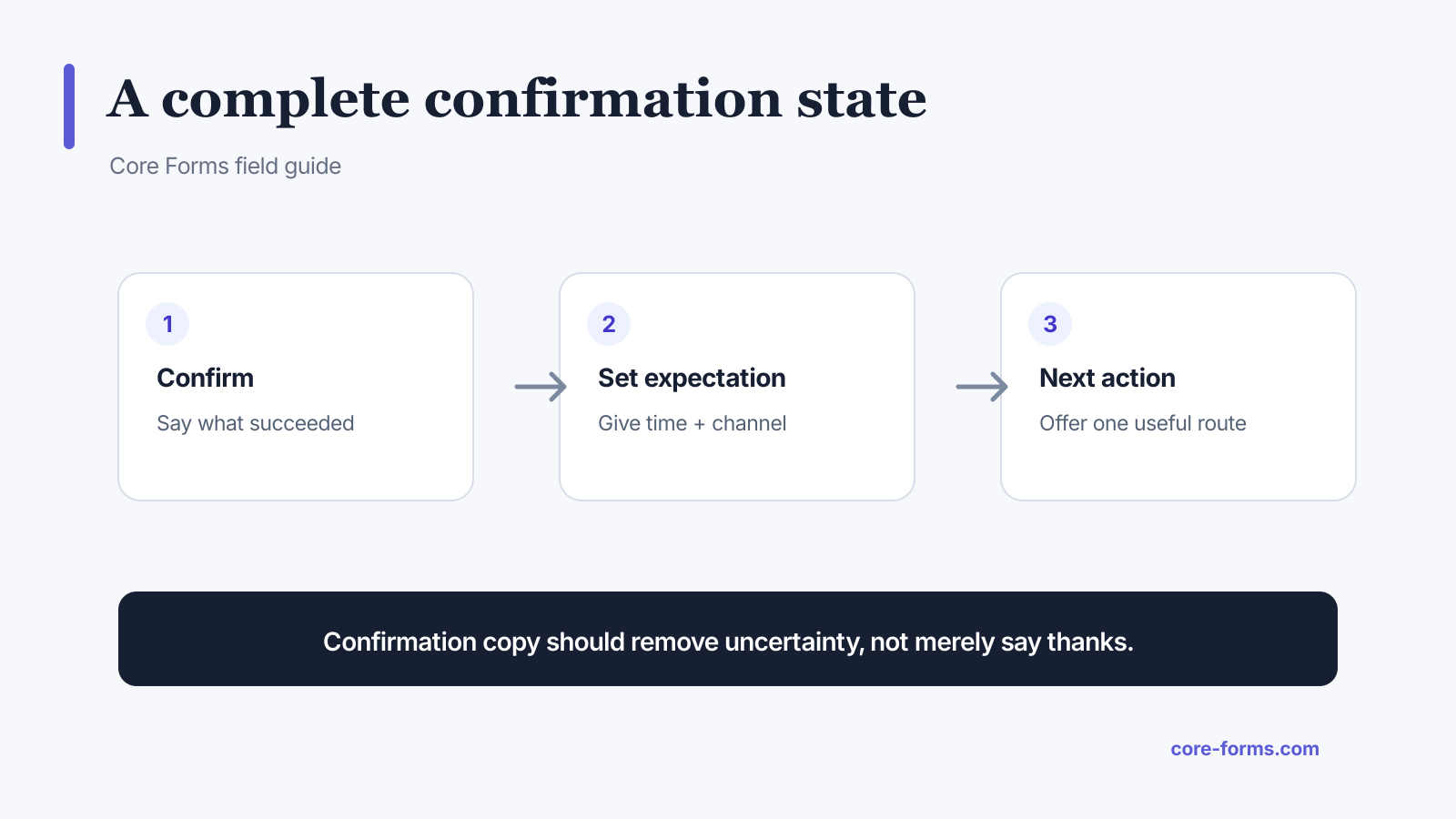 Confirmation copy should close the information gap created by the submit button.
Use this order:
- Confirm: name what the site received or completed.
- Set an expectation: state the response channel and time window.
- Give a next action: offer one relevant link, download, reference number, or correction route.
Do not promise an immediate human reply if the queue is reviewed once a day. Accurate copy is more reassuring than enthusiastic copy.
Contact form confirmation
Your message has been sent. We will reply by email within one business day. A copy of your message is on its way to your inbox.
Add the address people should expect to hear from if email filtering is common. The autoresponder can include [all:label] so the person has a readable copy of the submitted fields. See the Core Forms autoresponder documentation.
Job application confirmation
We received your application for Product Designer. Our hiring team reviews applications every Tuesday and Thursday. If your experience matches the role, we will contact you at the email address you provided.
Good application copy includes:
- the role or program name;
- the review schedule;
- whether every applicant receives a response;
- a correction route for a wrong attachment or email;
- a reference number when support needs it.
Avoid “We will be in touch soon” when there is no defined timeline.
Booking or appointment request
Your appointment request for August 14 at 3:00 PM has been received. This is not a confirmed booking yet. We will email you within two hours to confirm the time.
The crucial distinction is request versus confirmation. If availability is not reserved at submit time, say so plainly.
For an instantly confirmed booking:
Your appointment is confirmed for August 14 at 3:00 PM. We sent the calendar details to maya@example.com. Use the link in that email to reschedule or cancel.
Newsletter signup confirmation
Check your inbox to confirm your subscription. We sent an email to maya@example.com. The link expires in 24 hours.
For double opt-in, the form submission is not the final subscription. Tell the person to check spam and offer a resend action only if the system actually supports it.
Download or lead magnet confirmation
Your guide is ready. Download the PDF now. We also emailed the link so you can return to it later.
The primary action should be the promised download, not an unrelated sales pitch. A short lead generation form earns trust only if delivery is immediate and obvious.
Support request confirmation
Support request CF-1842 is in the queue. We will reply to your account email within four business hours. Add more details by replying to the confirmation email so they stay with the same request.
Useful support confirmations include:
- ticket or submission reference;
- support hours and response target;
- channel for additions;
- urgent-service route, if one exists;
- a copy of the original message.
Core Forms can save the submission, send an autoresponder, and log outgoing email separately. That makes it easier to diagnose whether the form succeeded but the message failed later. The post-submission workflow guide explains why those states should not be collapsed.
Payment form confirmation
Payment received. Your order number is CF-48219 and the total is USD 49.00. Your receipt and download link are on their way to maya@example.com.
Show this state only after the payment provider confirms payment. If the browser returns before the webhook arrives, use a pending state:
We are confirming your payment. Keep this page open or check your email. We will send the receipt as soon as the payment provider confirms the transaction.
Never call a pending or canceled payment successful.
Survey confirmation
Your response has been recorded. Results are anonymous and will be shared with the team on September 5. You can now close this page.
If the survey is not anonymous, do not imply that it is. If answers can be edited, link to the edit route and state the deadline.
Error and partial-success messages
Not every submit ends in a clean success. Write explicit states for:
- Validation failure: “Check the three fields marked below. Your other answers are still here.”
- Network failure: “We could not reach the server. Your answers are still on this page. Try again.”
- Saved, email delayed: “Your request was saved, but we could not send the confirmation email yet. Reference: CF-1842.”
- Duplicate: “We already received this request. You do not need to submit it again.”
The interface should not expose raw server exceptions. Give the person a stable reference and log the technical detail for the site owner.
Confirmation page or inline message?
Use an inline message when the next action can happen on the same page and analytics does not require a separate destination. Use a confirmation page when you need a durable URL, richer instructions, download delivery, account setup, or a distinct conversion event.
Whichever route you choose:
- replace or disable the submit button during processing;
- prevent accidental duplicate submissions;
- keep the success message in focus or announce it;
- do not discard the reference number on refresh;
- make the next action visually clear.
FAQ
What should a form confirmation message say?
Say what succeeded, what happens next, when it will happen, and what the person should do now.
Is “Thank you for your submission” enough?
Usually not. It confirms receipt but leaves timing, channel, and next steps unclear.
Should I show the submitted answers?
A safe summary can help people catch mistakes. Do not echo passwords, payment details, or other sensitive values.
Should I redirect to a thank-you page?
Use one when it improves delivery, measurement, or next-step guidance. An accessible inline message is fine for simpler workflows.
Should a confirmation email repeat the same message?
It should preserve the key facts and reference number, then add durable details such as the submitted-field summary or reply route.