
Attribution
UTM Tracking for WordPress Forms Without Losing the Source
Set up UTM tracking for WordPress forms, preserve campaign context through submission, and compare sources with accepted conversions.

UTM tracking for WordPress forms connects an accepted submission to the campaign link that brought the person to the form. Without that context, a lead from an email launch and one from a paid search ad can look identical in the submissions table.
The reliable approach is to tag campaign URLs consistently, capture the campaign values with the form event, and compare sources against accepted submissions rather than page visits alone.
How UTM tracking for WordPress forms should flow
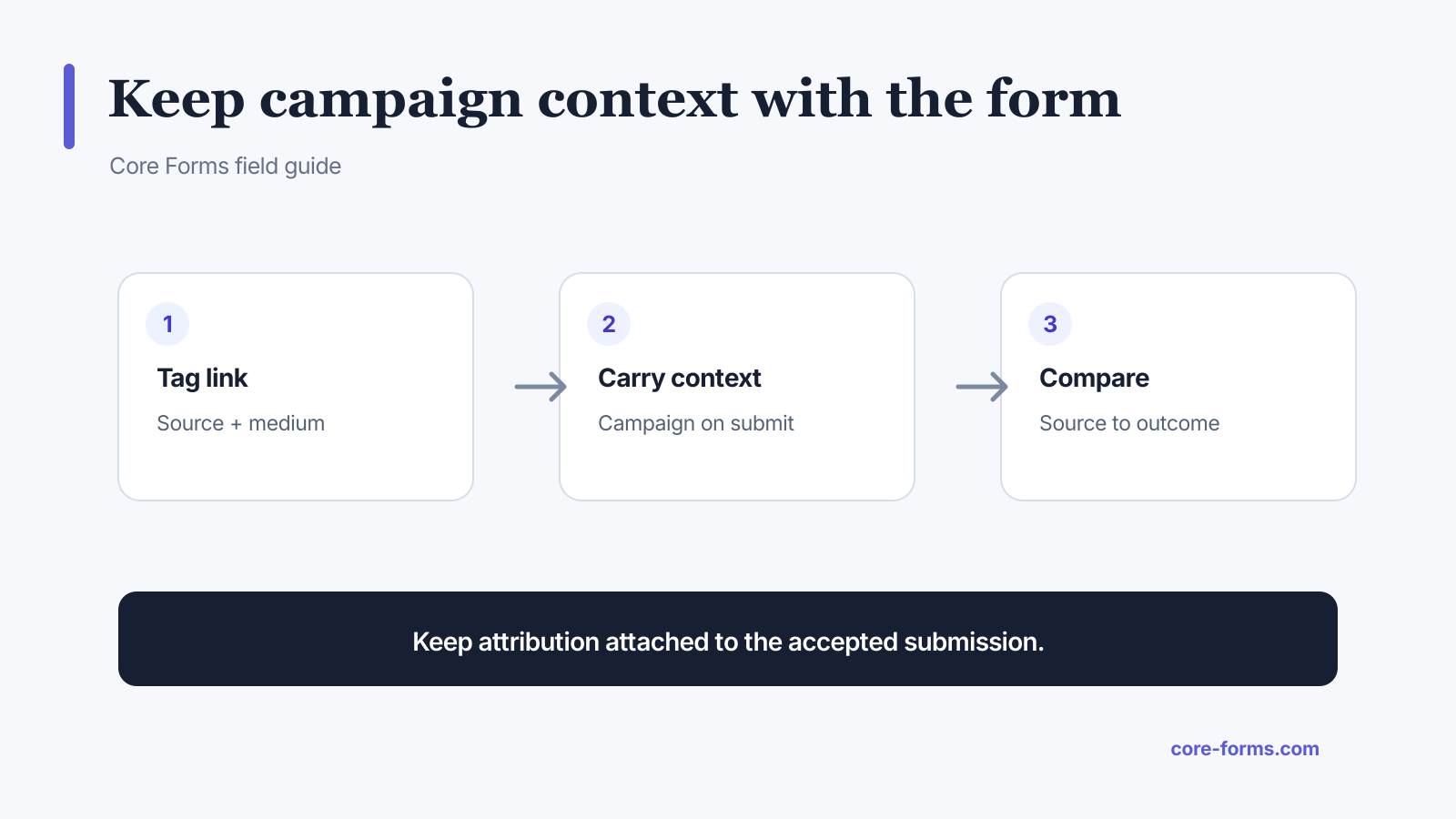 Keep campaign context attached to the submission instead of reconstructing it later.
A basic campaign URL looks like this:
https://example.com/demo/?utm_source=newsletter&utm_medium=email&utm_campaign=summer_launchUse the parameters for distinct jobs:
utm_source: the platform, publisher, list, or referrer;utm_medium: the channel type such as email, cpc, social, or partner;utm_campaign: the shared campaign name;utm_content: the creative or link variation;utm_term: the paid-search term when it is useful.
Google’s campaign URL guidance documents the standard parameter names. Core Forms attribution currently groups accepted form events by source, medium, and campaign in its analytics attribution reports.
Create one naming convention
Campaign reports break when names drift. Email, email, and newsletter become separate values even when the team means the same channel.
Choose rules before publishing links:
- use lowercase values;
- use underscores or hyphens consistently;
- reserve
utm_sourcefor the actual source; - reserve
utm_mediumfor a small controlled channel list; - give each campaign one stable name;
- keep personal data out of UTM values.
For example:
utm_source=customer_newsletter
utm_medium=email
utm_campaign=core_forms_4_4_launch
utm_content=header_button
Do not put an email address, customer ID, or private segment name in a query string. URLs travel through browser history, referrer logs, analytics systems, screenshots, and shared messages.
Preserve attribution across the path
A campaign may land on an article before the person opens the form page. A URL-only tracker on the final page can lose the original parameters.
Decide which attribution model you need:
- Current-page attribution: capture parameters only when they are present on the form page.
- Session attribution: store the first or latest campaign values for the current visit.
- First-touch attribution: preserve the first known campaign for a longer period.
- Last-touch attribution: replace it with the most recent known campaign.
There is no universally correct model. Document the rule beside the report so the team does not compare first-touch numbers with last-touch claims.
Core Forms records attribution from the form page URL as part of form analytics. If your campaign links point directly to the page containing the form, no hidden fields are needed for the analytics report. If a downstream CRM needs the same values, map sanitized campaign values into the submission or webhook payload as well.
Use hidden fields carefully
Hidden inputs can carry campaign context into emails, CRM actions, and exports:
<input type="hidden" name="campaign" value="{{url_params.utm_campaign}}">
<input type="hidden" name="source" value="{{url_params.utm_source}}">
<input type="hidden" name="medium" value="{{url_params.utm_medium}}">
Treat these as untrusted input. A visitor can edit a hidden value before submitting. Sanitize it, allow only expected values when possible, and never use it to grant access, calculate a trusted price, or authorize a payment. The hidden fields guide covers that boundary.
Measure the accepted outcome
Page analytics tells you which campaigns produced traffic. Form analytics tells you which sources produced starts, completions, and errors. Business systems tell you whether those submissions became qualified leads, paid orders, or resolved requests.
Useful comparisons include:
- submissions by source, medium, and campaign;
- form completion rate by landing page;
- spam rate by campaign;
- qualified lead rate by campaign;
- revenue or accepted application rate;
- action failures by source only when technically relevant.
Do not declare the campaign with the most submissions the winner before checking quality. Ten relevant inquiries can be worth more than a hundred low-intent entries.
The WordPress form analytics guide explains the funnel definitions that should sit underneath these reports.
Test UTM tracking before launch
Use one test URL per campaign and submit the form yourself.
Verify:
- The page loads with the full query string.
- Analytics records the expected source, medium, and campaign.
- The accepted submission carries values needed downstream.
- The email or webhook does not leak parameters that should stay internal.
- The report groups repeated tests under the same normalized names.
- Redirects do not strip the query string before tracking runs.
Also test direct traffic and a URL with no UTM parameters. Missing campaign data should be represented as direct or unknown according to your documented rule, not silently grouped with a named campaign.
FAQ
What are UTM parameters?
They are URL query parameters that label the source, medium, campaign, term, and creative associated with a visit.
Which UTM parameters should a form track?
Start with source, medium, and campaign. Add content and term only when the reporting decision needs them.
Do UTM parameters contain personal data?
They should not. Keep email addresses, customer IDs, and private audience labels out of URLs.
Are hidden UTM fields secure?
No. They are useful context but remain editable browser input and must be validated on the server.
Should I use first-touch or last-touch attribution?
Use the model that matches your decision and document it. Consistency is more important than pretending one model describes the whole journey.