
Apps Script connection
Deploy the provided script using your Google account and configure the spreadsheet ID.
Productivity & workspace
Append submissions to Google Sheets through a maintained Apps Script receiver.
Bundled with Core Forms, the WordPress forms plugin with every premium feature in the box. No add-on tax.
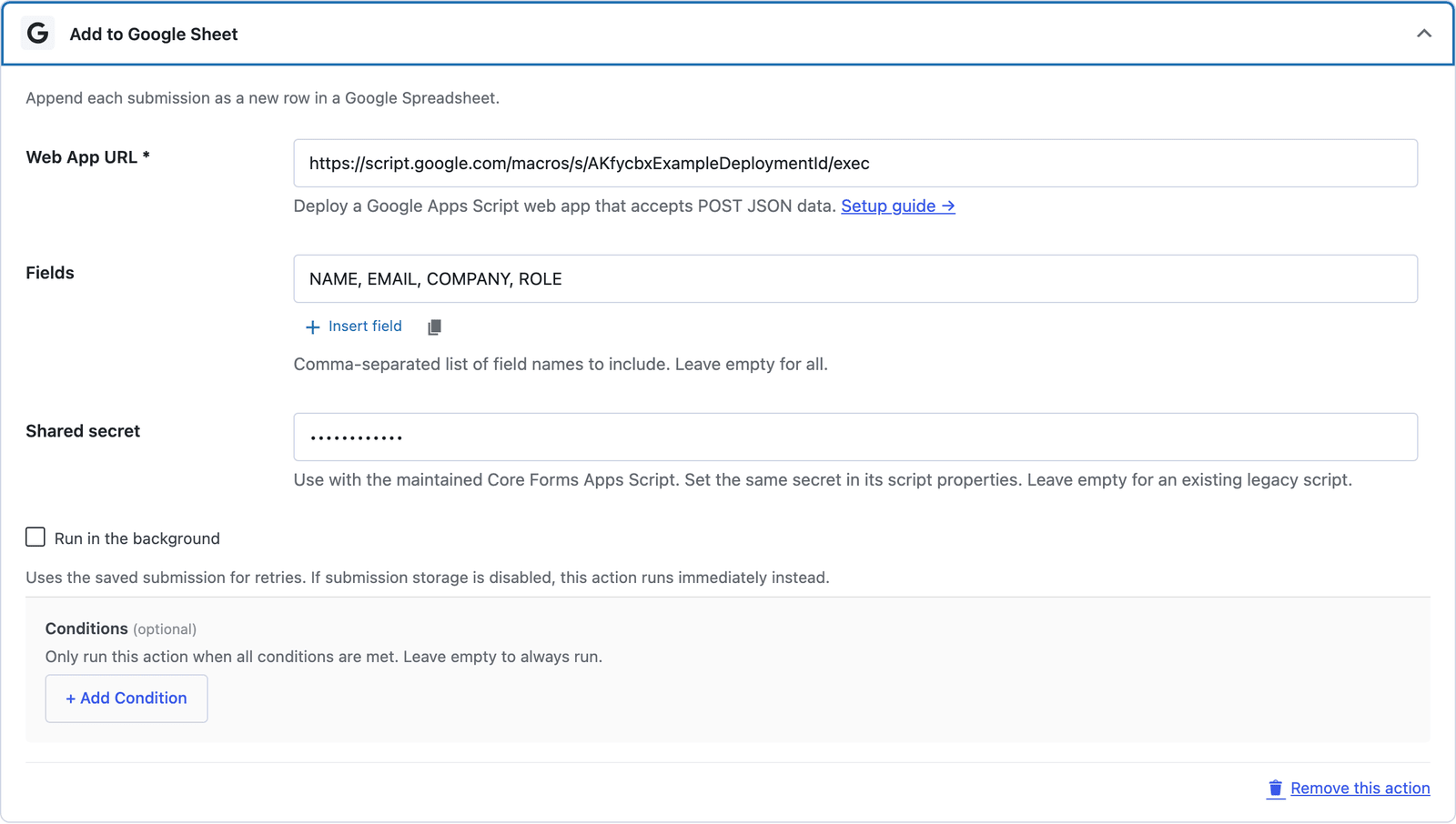
Core Forms sends JSON to a Google Apps Script web app. The maintained receiver uses a shared secret and appends values according to the sheet’s header row. No service-account upload or OAuth connection is provided.
Deploy the provided script using your Google account and configure the spreadsheet ID.
Set the same secret in the script properties and the Core Forms action.
Select fields to send. Header order may change; numeric zero and false values are retained.
Copy the downloadable script into Apps Script. Set CF_SHARED_SECRET, SPREADSHEET_ID, and optionally SHEET_NAME in Script Properties.
Execute as yourself and allow anyone to access the URL. The shared secret protects the receiver.
Enter the deployment URL and shared secret in the Google Sheets action. Match sheet headers to the form field names.
Want the long version? Read the step-by-step guide with screenshots of every setting.
Working examples — sanitized, ready to drop in. Replace the placeholder values at the top of each file (form ID, upstream URL, allowed origins, API key) and ship. No private data inside; nothing tracks back to anyone’s production site.
Google Sheets and every Core Forms-built integration on this site are included with your
license.
Use code CFLAUNCH for 20% off either plan. Ends September 30, 2026 (IST).