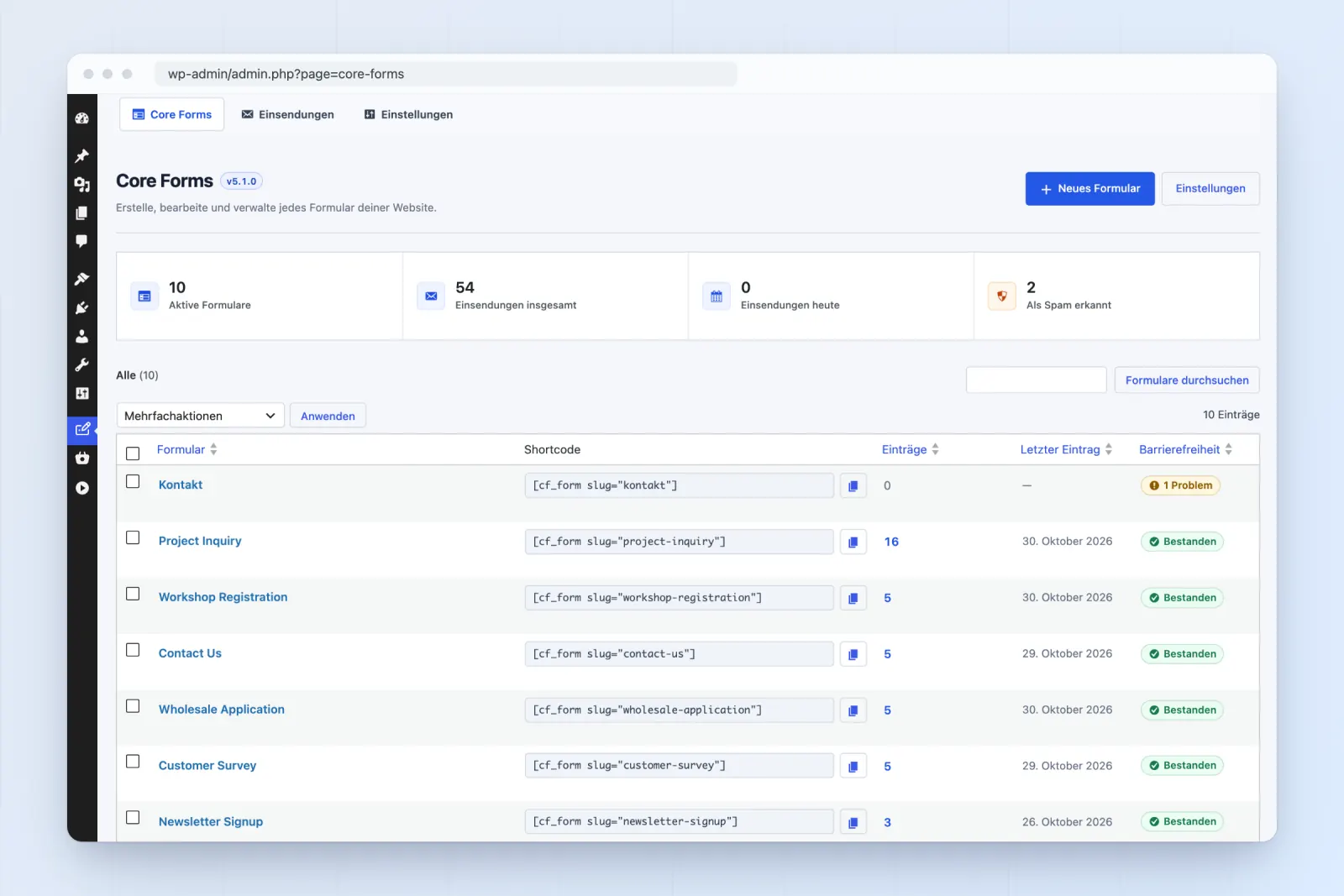
Admin screens
Forms, submissions, settings, modules, email logs and Core Commerce, in the language of each user's WordPress profile.
Languages
Core Forms comes translated into German, French, Spanish and Italian. The admin, the form builder, the Bricks and Elementor controls and every message your visitors see follow the site language. German ships twice, with an informal "du" and a formal "Sie" version.
Included since Core Forms 5.1, with no add-on, no language pack download and no extra plugin.
Set the site language in Settings → General, or a user's language in their profile, and Core Forms follows it.
de_DE Informal, "du" Dieses Feld ist erforderlich. de_DE_formal Formal, "Sie" Bitte geben Sie eine gültige E-Mail-Adresse ein. fr_FR "vous" Ce champ est obligatoire. es_ES "tú" Este campo es obligatorio. it_IT "tu" Questo campo è obbligatorio. Labels, buttons and help text come from your form, so you write them in your language. The messages Core Forms adds itself, from required-field errors to the thank-you note, come from the site language, whatever language the visitor's browser uses.
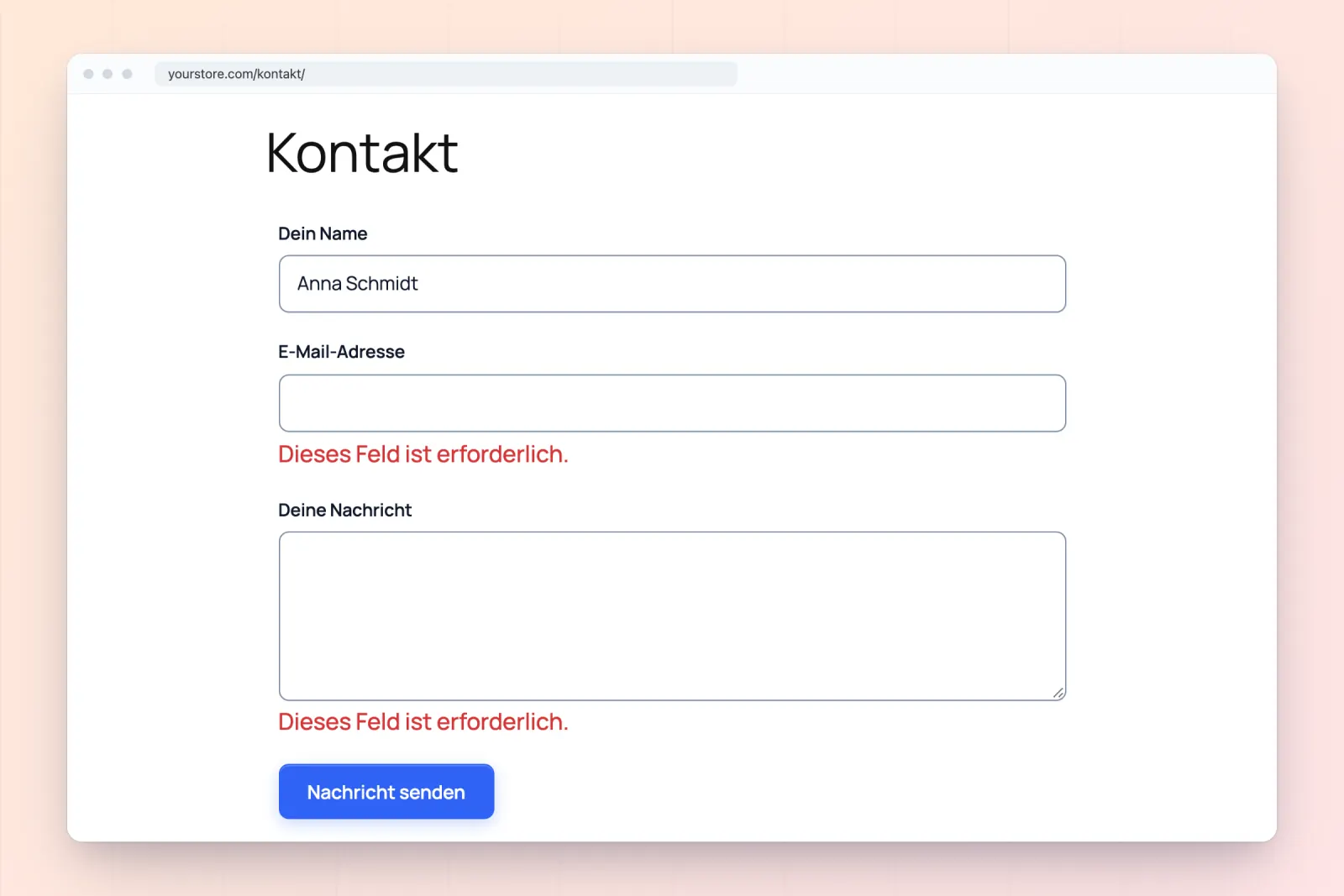
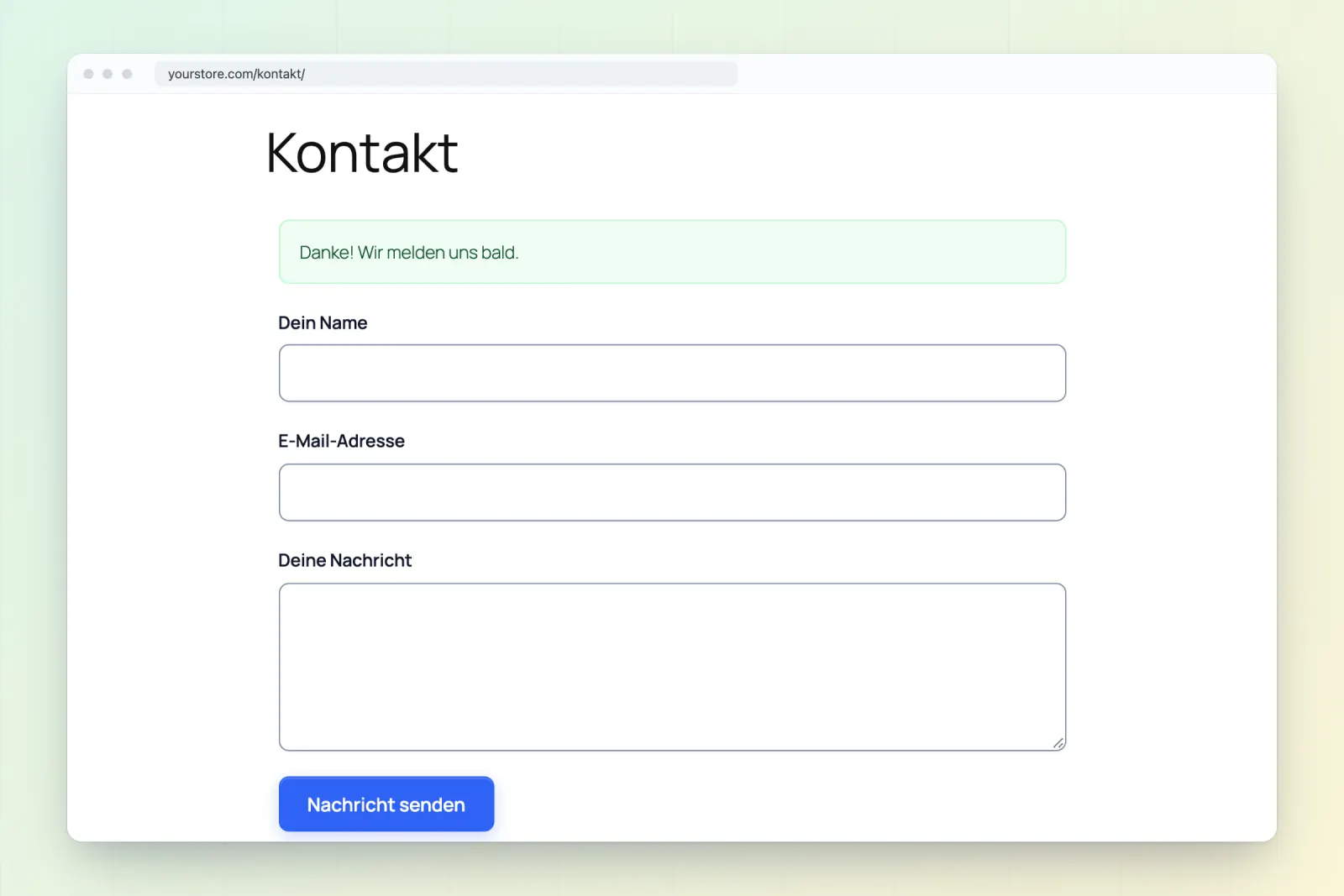
Agencies and shops write "du", law firms and B2B sites write "Sie". Core Forms has both, and 824 strings are worded differently between them. Pick Deutsch or Deutsch (Sie) in WordPress.
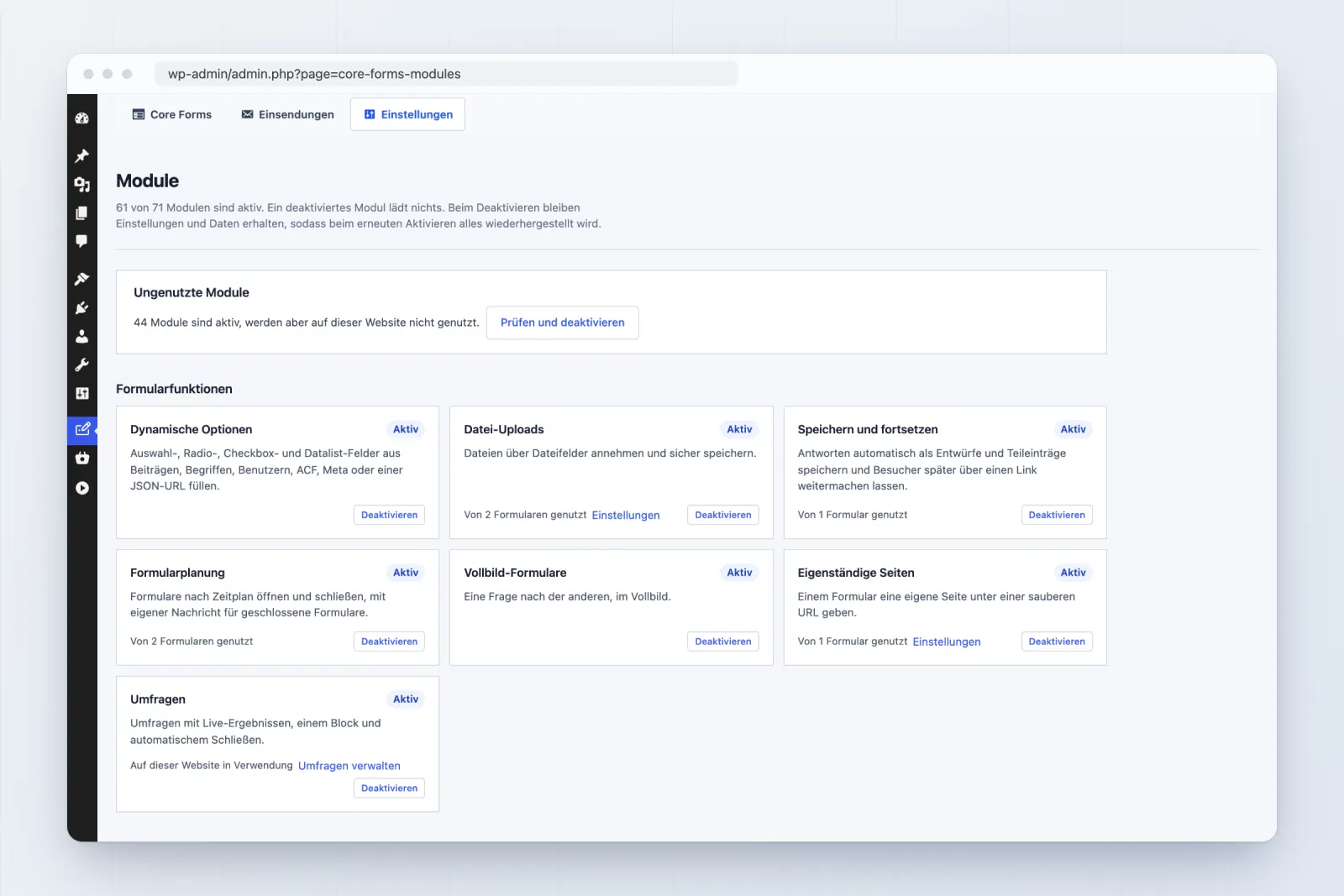
Forms, submissions, settings, modules, email logs and Core Commerce, in the language of each user's WordPress profile.
The builder, field types, the inspector and the block editor's Core Forms blocks, including their JavaScript.
Element names, controls, style groups and help text in Bricks, and the matching widget controls in Elementor.
Required-field and email errors, success and failure messages, the fullscreen form and inline payment messages.
Every action in the Add Action catalog and its settings, from Send Email to Sender, Brevo and Mailchimp.
Template fields and labels arrive in your admin language when you add them, ready to edit like any other text.
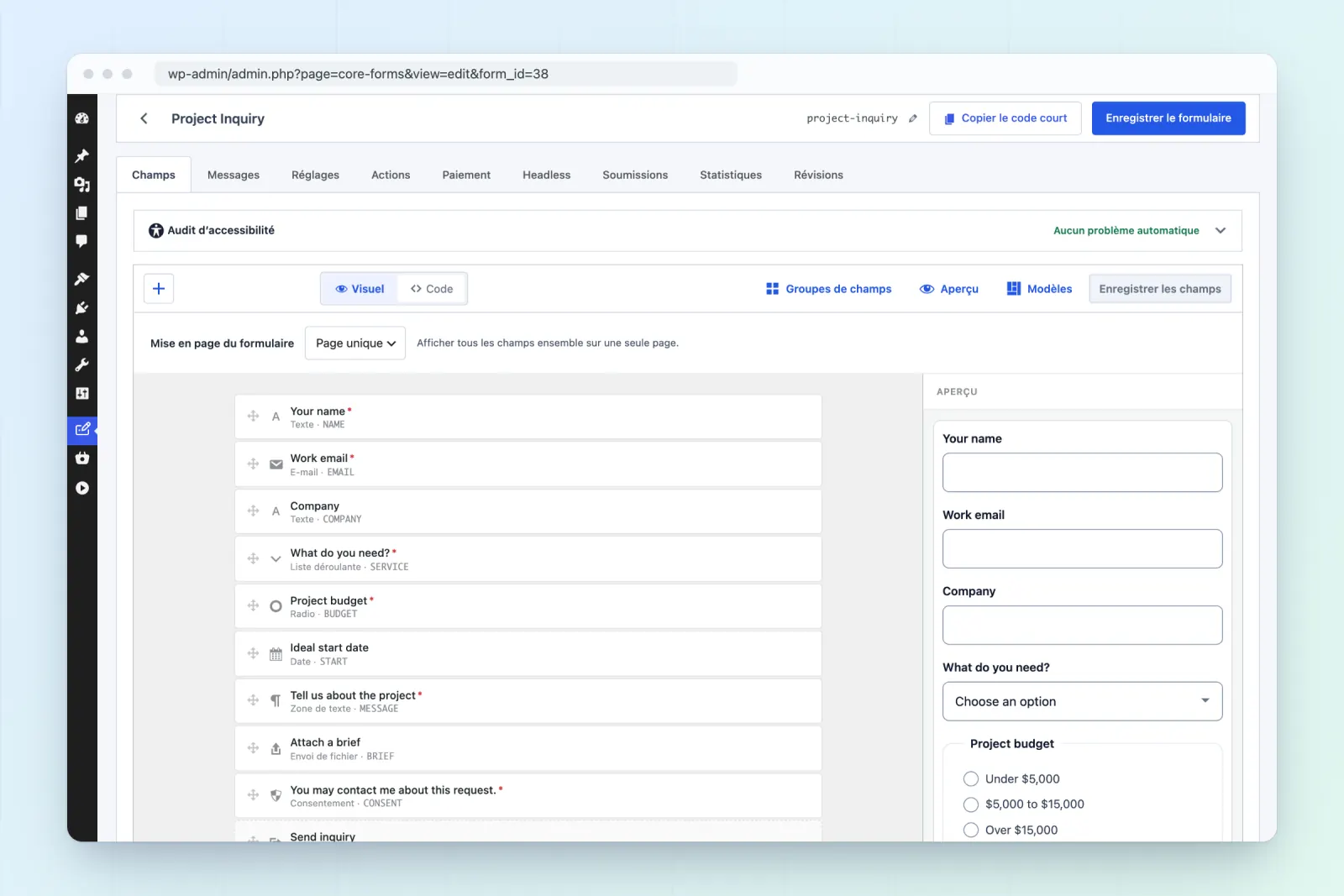
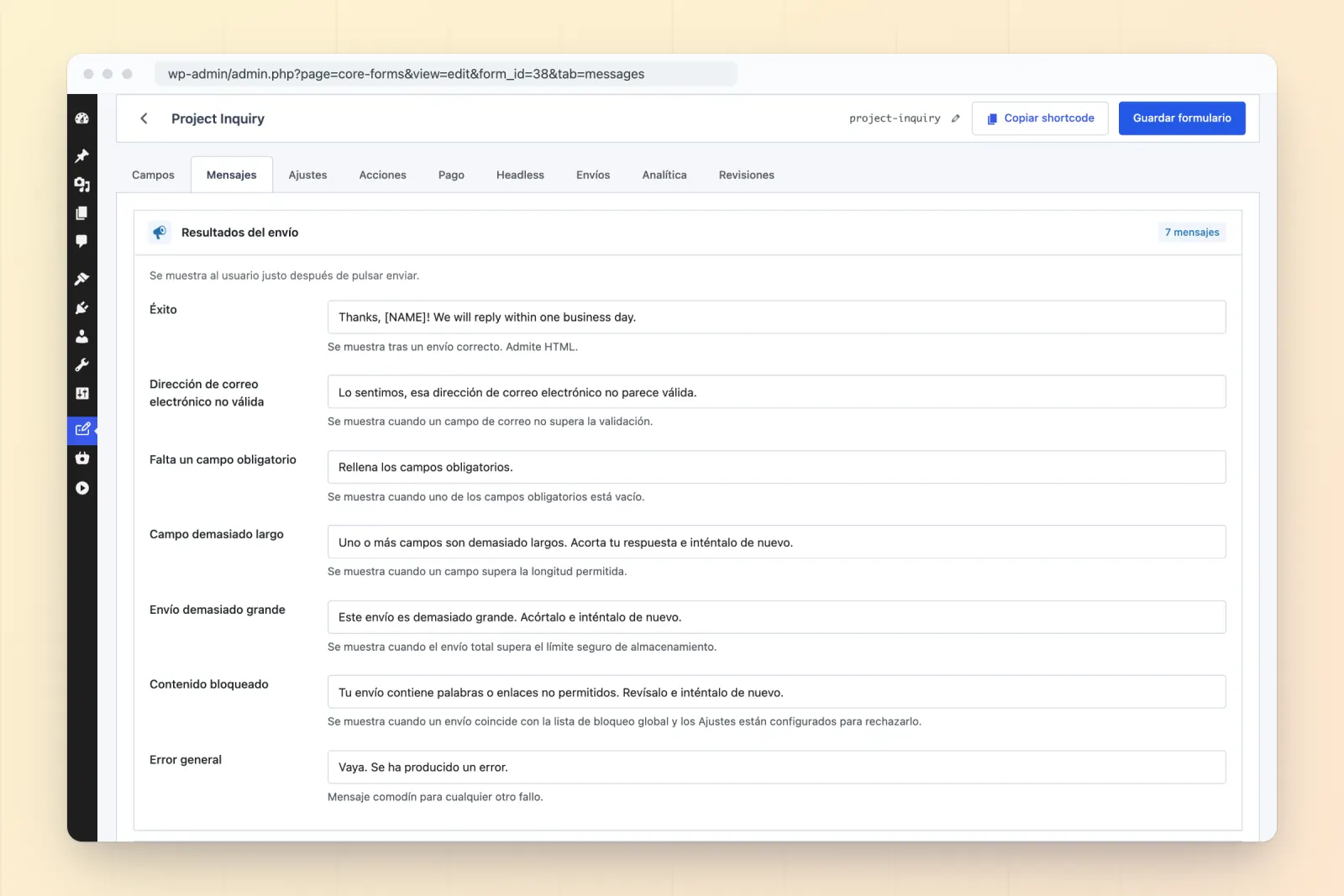
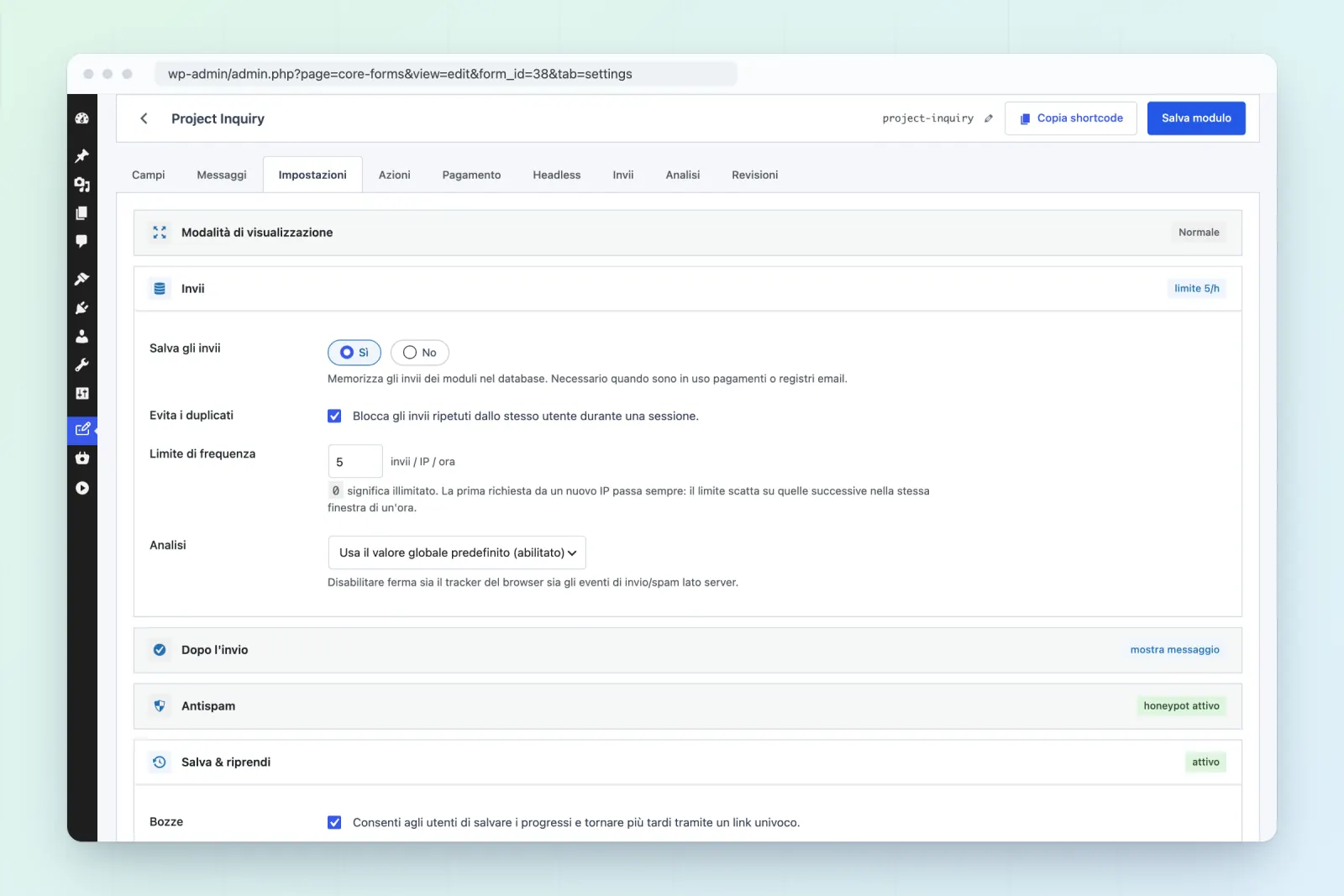
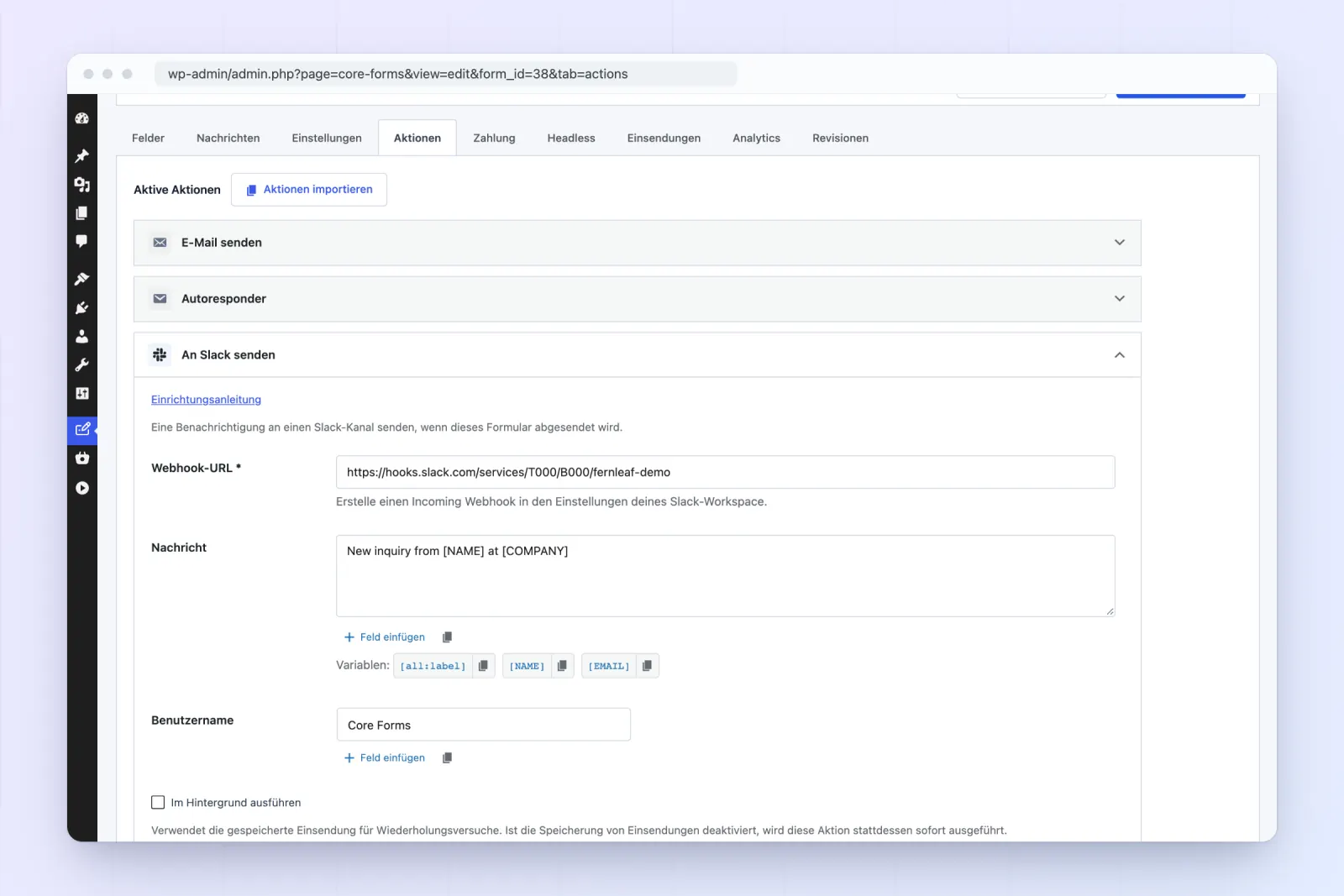
In Settings → General, pick Deutsch or Deutsch (Sie). WordPress downloads its own files; Core Forms already has its translation.
Each user can pick their own admin language under Profile → Language, so a client can work in German while you work in English.
Starter templates and default messages arrive in the language you're using when you add them. Write your own labels in German, and existing forms keep the messages saved with them.
wp-content/languages/plugins/ win over the bundled ones and survive updates.core-forms.pot template. Spot a string that reads wrong? Tell us and it's fixed in the next release.de_DE for the informal "du" and de_DE_formal for the formal "Sie". Pick Deutsch or Deutsch (Sie) as the site language in WordPress and Core Forms follows it. No extra plugin or language pack download is needed.wp-content/languages/plugins/ take priority over the bundled ones, so you can adjust any string with Loco Translate without losing it on updates. To add a language, start from the bundled core-forms.pot template. The languages and translations guide walks through both.de_AT, de_CH or es_MX aren't bundled, and WordPress doesn't fall back from them automatically. Copy the closest bundled translation under your locale's name and it works. The guide shows how.All five translations ship inside Core Forms and come with every license, on every site.
Use code BLACKFRIDAY for 40% off either plan. Ends December 2 (IST).