
Schema discovery
Read properties and the title from the selected database or data source.
Productivity & workspace
Create Notion pages with schema-aware property mapping.
Bundled with Core Forms, the WordPress forms plugin with every premium feature in the box. No add-on tax.
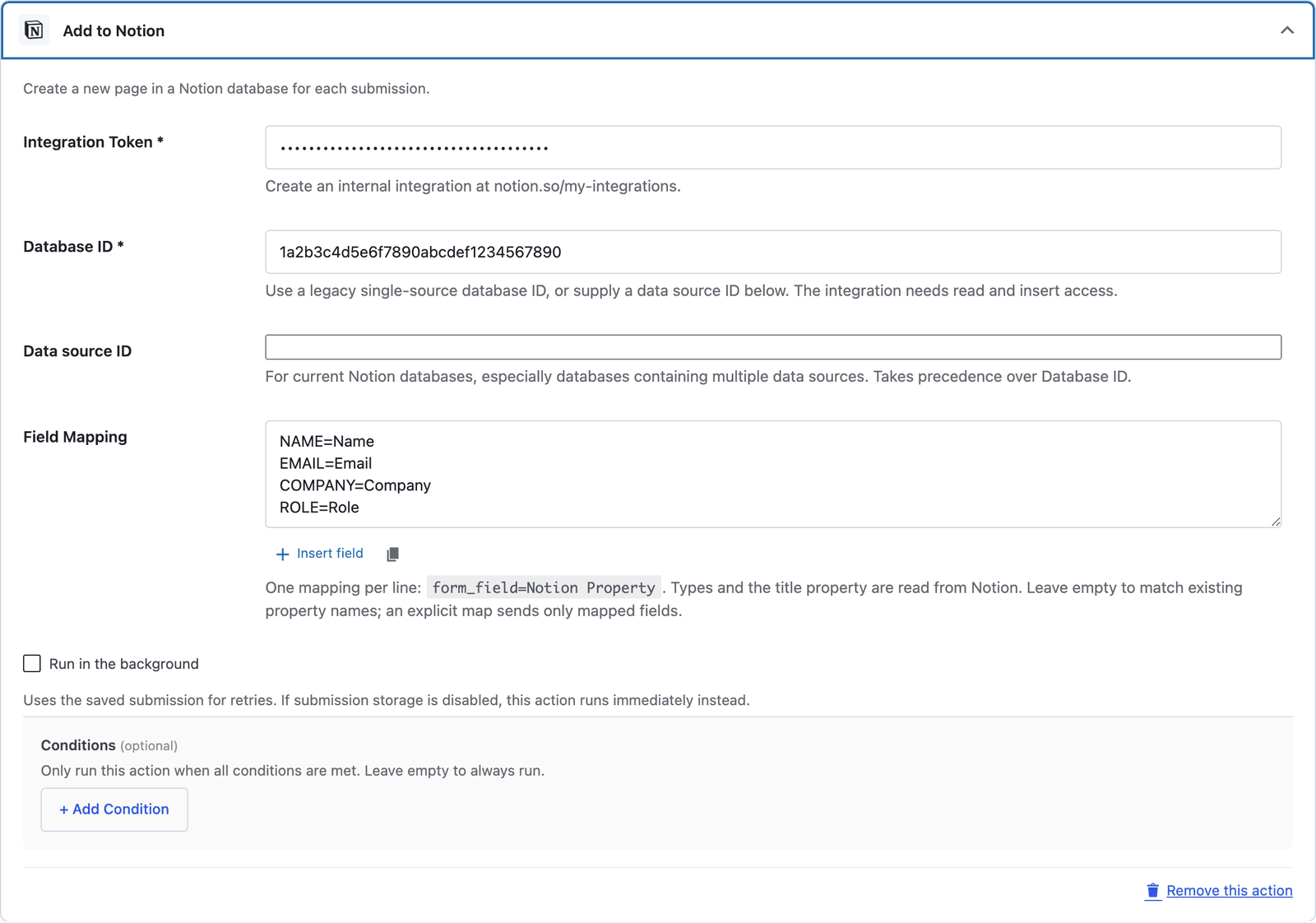
Core Forms reads the destination schema and maps fields using their actual Notion types. Use a current data source ID or a legacy single-source database ID. The title property is discovered automatically.
Read properties and the title from the selected database or data source.
Support title, rich text, number, checkbox, email, phone, URL, select, multi-select, date, and ID-based relations/people.
An explicit mapping sends only mapped fields. Textareas become rich-text property values, not page-body blocks.
Create a Notion integration with read and insert access.
Share the database and copy its data source ID, or use its legacy database ID.
Enter the ID and token in the Notion action, then map form_field=Property Name.
Want the long version? Read the step-by-step guide with screenshots of every setting.
Notion and every Core Forms-built integration on this site are included with your
license.
Use code CFLAUNCH for 20% off either plan. Ends September 30, 2026 (IST).