
Core Forms vs Ninja Forms: Add-ons Versus One License
Ninja Forms is free at core and sells files, Stripe and CRMs as add-ons. Core Forms bundles those in one $59/year license. Here is which model fits which site.

Ninja Forms is a beginner-friendly builder with a free Core plugin and a paid add-on ladder. Core Forms vs Ninja Forms is a comparison of that ladder against one license that already includes files, Stripe, HubSpot, webhooks, polls and headless submit.
I build Core Forms, so this is the maker’s view, with Ninja Forms’ prices taken from its pricing page in September 2026. Ninja Forms Core is a real free plugin, and there are cases below where it is the one to keep.
There are generally three ways people buy Ninja Forms.
You can stay on Core forever, which is generous: unlimited sites, submissions, calculations, templates and email notifications, at $0.
Or you can treat Plus as “the real plugin” the moment you need a file field or conditional logic, and then hit Pro for Stripe and HubSpot.
But being extreme isn’t a good idea at all. Ninja Forms Core is enough for a lot of contact work. It is wise to stay there until a Plus feature is actually required, and to compare Pro and Elite against Core Forms only at that point, because that is when the yearly bill shows up.
Ninja Forms sells the next add-on. Core Forms sells the box.
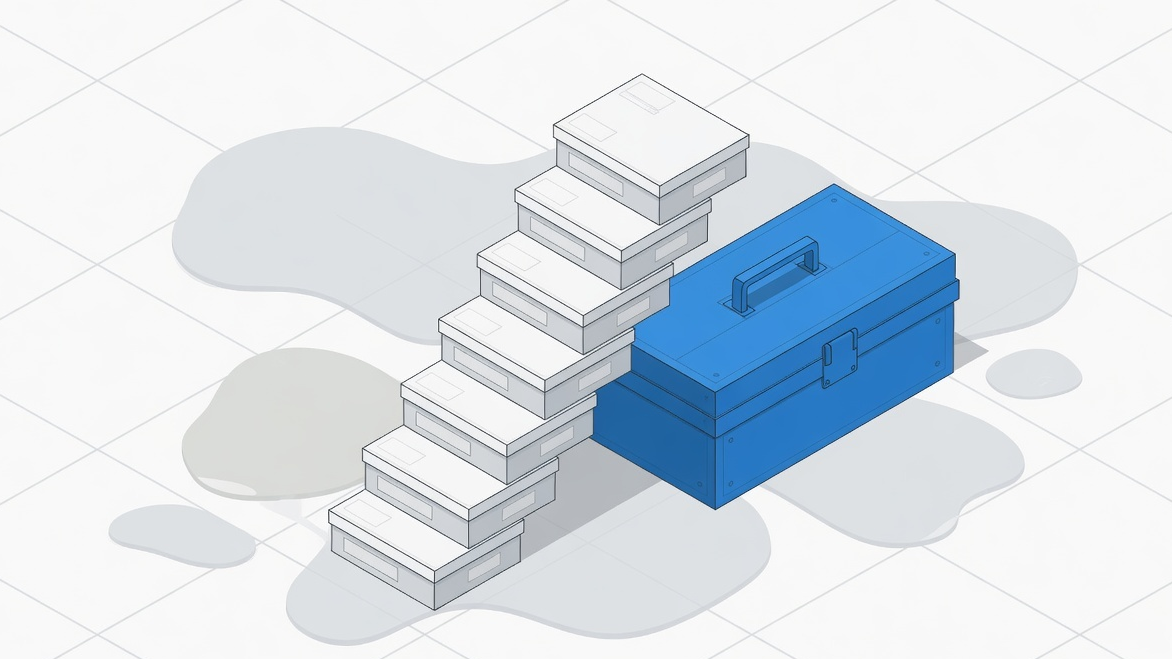 Plus, Pro and Elite are stairs. Core Forms is one box.
Quick Verdict
Ninja Forms is the better pick when you want a free plugin with calculations and stored submissions, and you may never need files, Stripe or a CRM.
Core Forms is the better pick when the form needs file uploads, Stripe or PayPal, HubSpot, save and resume, webhooks or a poll, because those sit in Ninja Forms Plus, Pro or Elite, and they are in the one Core Forms license at $59 a year or $249 once, on unlimited sites.
Ninja Forms Core already stores submissions. That is a real difference from Contact Form 7, and it is why Ninja Forms free can be enough for longer than WPForms Lite.
Price at Renewal
Ninja Forms shows a 40% first-year discount on paid tiers. The renewal is the number to plan on. September 2026, from their pricing page:
| Plan | Sites | First year | Renews at | What it unlocks |
|---|---|---|---|---|
| Ninja Forms Core | Unlimited | $0 | $0 | Builder, submissions, calculations, templates, anti-spam, import/export |
| Ninja Forms Plus | 3 | $59.40 | $99 | Conditional logic, file uploads, multi-step, layout styles, PayPal, email marketing add-ons |
| Ninja Forms Pro | 20 | $119.40 | $199 | Stripe, Authorize.net, HubSpot, Salesforce, Zapier, Slack, save progress, user management |
| Ninja Forms Elite | Unlimited | $299.40 | $499 | Every add-on, including webhooks |
| Core Forms Yearly | Unlimited | $59 | $59 | Everything included |
| Core Forms Lifetime | Unlimited | $249 once | nothing | Everything included |
The comparison that matters is not Core against Yearly. It is Plus against Yearly the moment you need a file field, and Pro against Yearly the moment you need Stripe or HubSpot.
Both paid products refund within 14 days.
What Free Core Already Includes
This is Ninja Forms’ strongest card and it should go first.
Core includes unlimited forms and submissions, a drag-and-drop builder, email notifications, anti-spam, 28-plus fields, repeater and image-select fields, advanced calculations, templates, success messages, redirects, import/export and GDPR tools, on unlimited sites.
That is a working form plugin. A quote calculator with stored entries can live here without paying.
Core Forms has no free version. A site that only needs that list should stay on Ninja Forms Core.
What Core does not include, from the same pricing page: conditional logic, file uploads, multi-step forms, PayPal, Stripe, CRMs, Zapier, save progress and webhooks. Those start at Plus or Pro. Webhooks are in the Elite add-on list, not in Pro.
Payments
Ninja Forms puts PayPal on Plus and Stripe on Pro. Authorize.net and Elavon are Pro as well. Recurly is an extra add-on on the full list.
Core Forms has Stripe, PayPal, Razorpay and Polar in the license, with no plugin-side transaction fee. Submissions stay pending until the gateway’s signed webhook confirms the charge, then emails and integrations run. License keys, renewals and a customer dashboard ship for software and digital products.
If you need Authorize.net, Ninja Forms Pro is the working option. If you sell a plugin or a theme with activations, Core Forms is the one built for that.
Integrations and Webhooks
Ninja Forms email marketing add-ons (Mailchimp, Kit, ActiveCampaign and the rest) start at Plus. HubSpot, Salesforce, Zoho, Zapier, Slack and Trello start at Pro. Webhooks are listed with the remaining add-ons outside Pro, which in practice means Elite if you want the bundle rather than a la carte.
Core Forms treats a webhook as an action on any form, with HMAC signatures and retries, at any price. HubSpot, Pipedrive, Slack, Sheets, n8n and the rest of the native actions sit on the integrations page. There is no Salesforce action. Zapier is a webhook, not a directory app.
A site that only needs Mailchimp can stay on Ninja Forms Plus. A site that needs a webhook without paying $499 a year should look at Core Forms.
Builder, Polls and Headless
Ninja Forms is a drag-and-drop builder. Core Forms has a visual builder and a code tab that edit the same HTML. Calculations are stronger in Ninja Forms Core than in most free plugins. Core Forms can do calculated fields, and the calculator form guide is the walkthrough, but Ninja Forms has had that as a headline Core feature for years.
Polls and one-question-at-a-time surveys are not a Ninja Forms Core story. Core Forms ships polls as their own object, with scheduling, vote hashing and live results, and surveys as forms that can go full-screen.
Headless submit from Astro or Next.js is a Core Forms REST feature. Ninja Forms is a WordPress-page plugin.
Save progress is a Pro add-on on Ninja Forms. It is a per-form toggle on Core Forms.
When to Pick Ninja Forms
- You want free, with storage and calculations. Core is enough.
- You need Authorize.net, Salesforce or Recurly. Those are Ninja Forms Pro or add-on territory.
- Your team already lives in the Ninja builder and Plus covers the forms you actually run.
When to Pick Core Forms
- Files, Stripe, HubSpot or save-and-resume are required. That is Plus or Pro on Ninja Forms and included on Core Forms.
- You need a webhook without Elite.
- You run more than 3 sites and need Plus features. Plus is 3 sites. Every Core Forms license is unlimited.
- You sell software, or you want WordPress as a form backend for HTML on another host.
Core Forms > Migrate imports Ninja Forms through the Ninja Forms importer. Export entries as CSV first.
The Limits
Ninja Forms prices above are from ninjaforms.com/pricing in September 2026, including the 40% first-year discount they were showing. Renewal is full price. Add-ons can also be bought a la carte, which this table does not price.
This is a researched comparison of public pricing and feature lists, not a speed test.
Core Forms needs WordPress 6.4+ and PHP 8.1+. Ninja Forms Core runs on a wider range of stacks.
Final Remarks
Ninja Forms vs Core Forms turns on whether Core is enough. If it is, pay nothing. If you need a file field or Stripe, compare Plus or Pro at renewal against $59 a year, not against the first-year coupon.
The pricing page has the Core Forms terms. The Contact Form 7 comparison is the mail-only version of this choice, and the WPForms comparison is the other big add-on ladder.
FAQ
Is Ninja Forms Core really free for unlimited sites?
Yes, on their pricing page. Paid tiers cap sites until Elite. Core Forms has no free tier and every paid license is unlimited sites.
Does Core Forms import Ninja Forms?
Yes. Core Forms > Migrate detects Ninja Forms. Entries are not imported.
Where do Ninja Forms webhooks sit?
On the add-on list outside the Pro bundle. Elite includes all add-ons. Core Forms includes webhooks in the one license.