
Subscriber upsert
Create or update a subscriber by email.
Email marketing
Add or update MailerLite subscribers with name and group membership.
Bundled with Core Forms, the WordPress forms plugin with every premium feature in the box. No add-on tax.
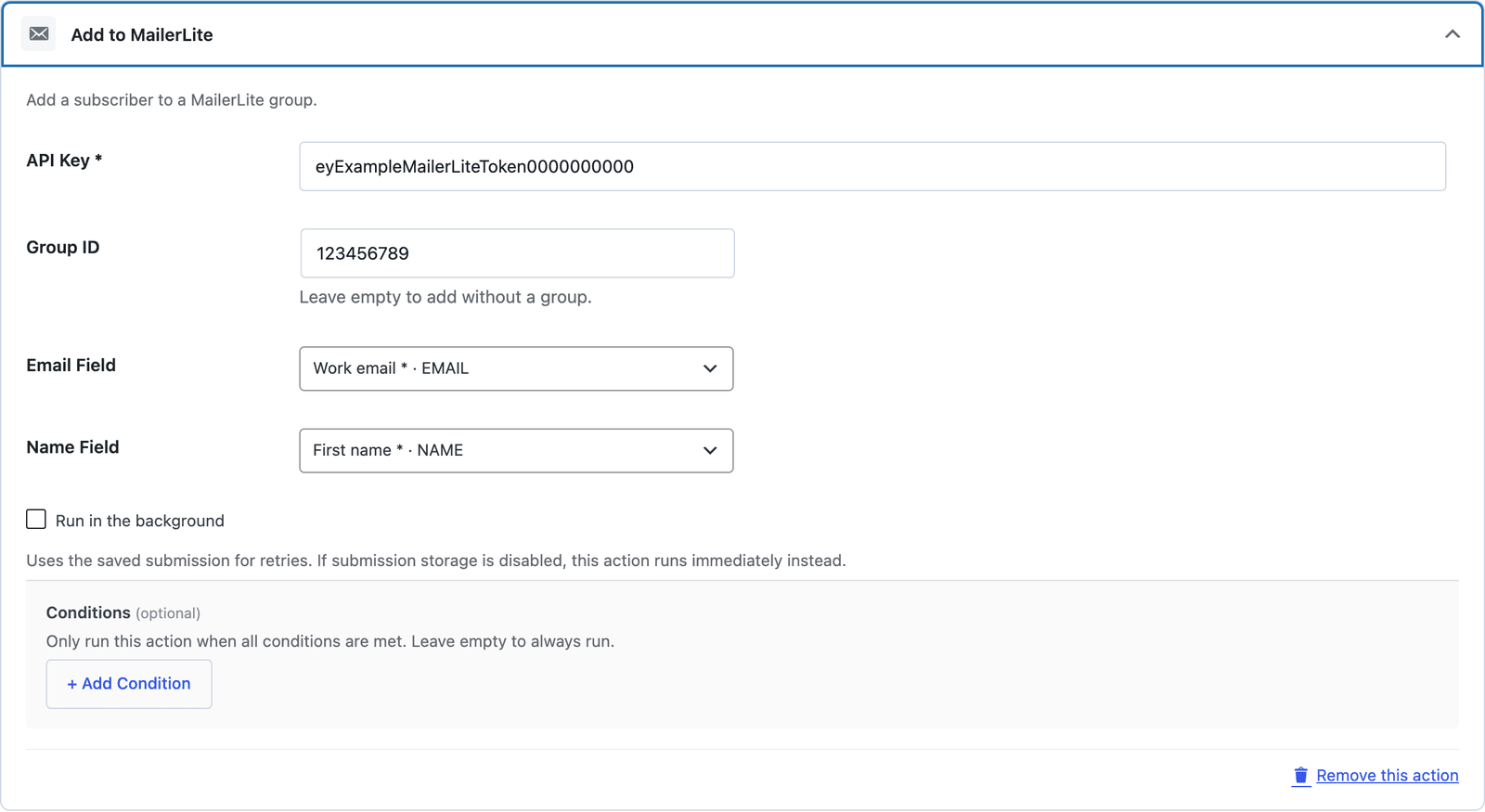
Core Forms sends the selected email and name fields to MailerLite and can assign a group. Subscription confirmation rules are managed in MailerLite; this action does not provide a per-form double-opt-in toggle.
Create or update a subscriber by email.
Use a group ID or leave it empty to add without a group.
Map those two fields from the form; arbitrary custom fields are not included.
Create a key in MailerLite’s developer API settings.
Enter the key and optional group ID.
Choose the email and name fields.
Want the long version? Read the step-by-step guide with screenshots of every setting.
MailerLite and every Core Forms-built integration on this site are included with your
license.
Use code CFLAUNCH for 20% off either plan. Ends September 30, 2026 (IST).