
Native contact creation
Creates real HubSpot contacts (not just form submissions) so they’re available to every workflow.
CRM & automation
Pipe leads into HubSpot CRM with property mapping and lifecycle stage assignment.
Bundled with Core Forms, the WordPress forms plugin with every premium feature in the box. No add-on tax.
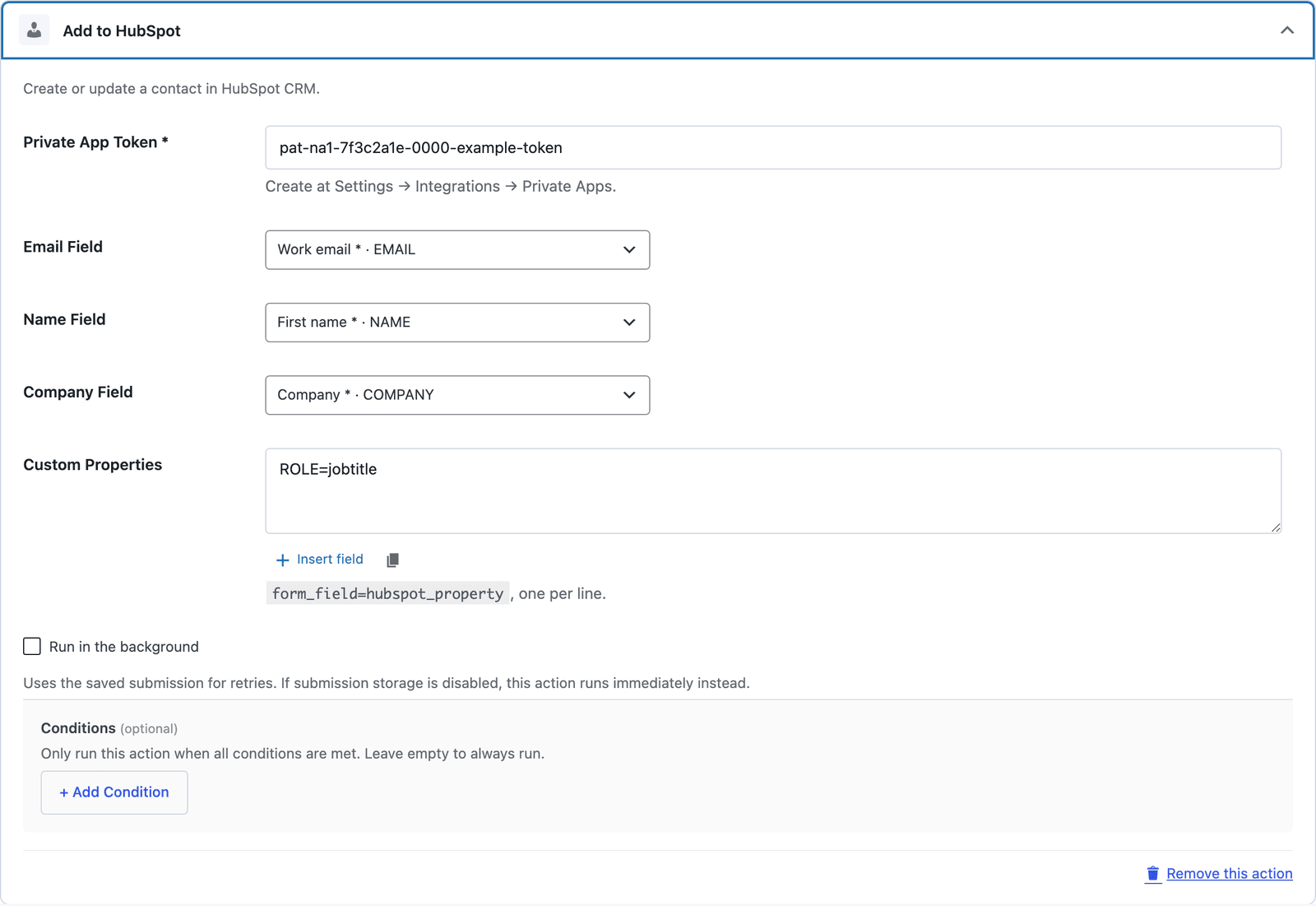
Send any Core Form submission straight into HubSpot CRM. Map first name, last name, phone, company and custom properties; assign a lifecycle stage; tag the source.
No HubSpot Forms iframe, no third-party add-on — the lead lands as a real HubSpot contact you can sequence and report on.
Creates real HubSpot contacts (not just form submissions) so they’re available to every workflow.
Map to standard contact properties or any custom property you’ve defined.
Set lead, marketing-qualified-lead, or any custom stage at submission time.
Stamp the source with the form name so reporting always knows where a lead came from.
In HubSpot, Settings → Integrations → Private Apps. Grant CRM scopes and copy the access token.
Form → Actions → HubSpot, paste the token, save.
Match form fields to HubSpot properties and pick a lifecycle stage.
Want the long version? Read the step-by-step guide with screenshots of every setting.
HubSpot and every Core Forms-built integration on this site are included with your
license.
Use code CFLAUNCH for 20% off either plan. Ends September 30, 2026 (IST).