
Contact sync
Create or update a contact by email.
CRM & automation
Sync contacts, subscribe them to a list, and assign tags.
Bundled with Core Forms, the WordPress forms plugin with every premium feature in the box. No add-on tax.
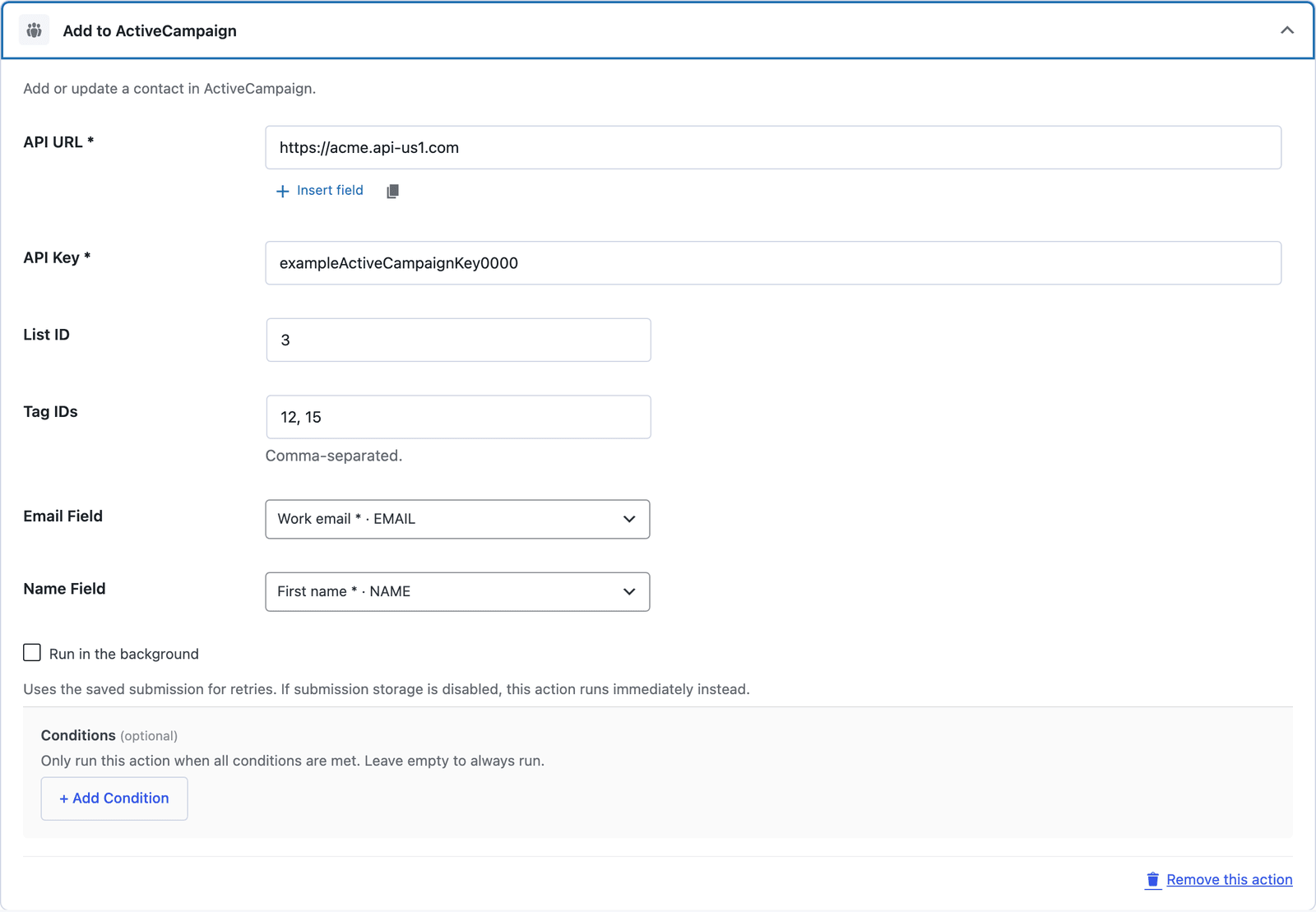
Core Forms creates or updates an ActiveCampaign contact using email, first name, last name, and optional phone. It can then subscribe the contact to a list and assign tags, with separate retry checkpoints for those operations.
Create or update a contact by email.
Subscribe to one list and assign configured tag IDs.
Map email, name, and phone. Arbitrary custom-field mapping is not included.
Copy the API URL and key from ActiveCampaign Settings → Developer.
Enter the URL, key, optional list ID, and tag IDs.
Choose the email, name, and optional phone fields.
Want the long version? Read the step-by-step guide with screenshots of every setting.
ActiveCampaign and every Core Forms-built integration on this site are included with your
license.
Use code CFLAUNCH for 20% off either plan. Ends September 30, 2026 (IST).