
Template + free-form modes
Send approved template messages (cold outreach) or plain text replies (inside the 24-hour service window).
Messaging & SMS
Send WhatsApp template messages and free-form replies via Meta's Cloud API. Free tier covers 1,000 conversations/month.
Bundled with Core Forms, the WordPress forms plugin with every premium feature in the box. No add-on tax.
Talk to your customers on WhatsApp without leaving Core Forms. The WhatsApp Cloud API action sends approved template messages for cold business-initiated conversations and free-form text replies inside the 24-hour customer-service window.
Credentials live globally under Settings → WhatsApp Cloud API with per-action override for agencies running multiple senders. A built-in Test connection button pings Meta's Graph API and reports the verified business name + quality rating before you go live.
Send approved template messages (cold outreach) or plain text replies (inside the 24-hour service window).
Meta's WhatsApp Business Platform gives every account 1,000 business-initiated conversations per month at zero cost.
Verify your Access Token and Phone Number ID before you ship — reports the verified business name + quality rating.
Run multiple WhatsApp senders from one site by overriding the global token/phone-number-ID per form.
Map any form field into the template's {{1}}, {{2}}, … placeholders with the standard [field_name] substitution.
Every Cloud API send writes to the existing Email Logs table with the recipient phone preserved (action_type = whatsapp_cloud).
Create the app at developers.facebook.com/apps and add the WhatsApp product. Note the Phone Number ID and System User Access Token.
Settings → WhatsApp Cloud API. Click Test connection to confirm the link works.
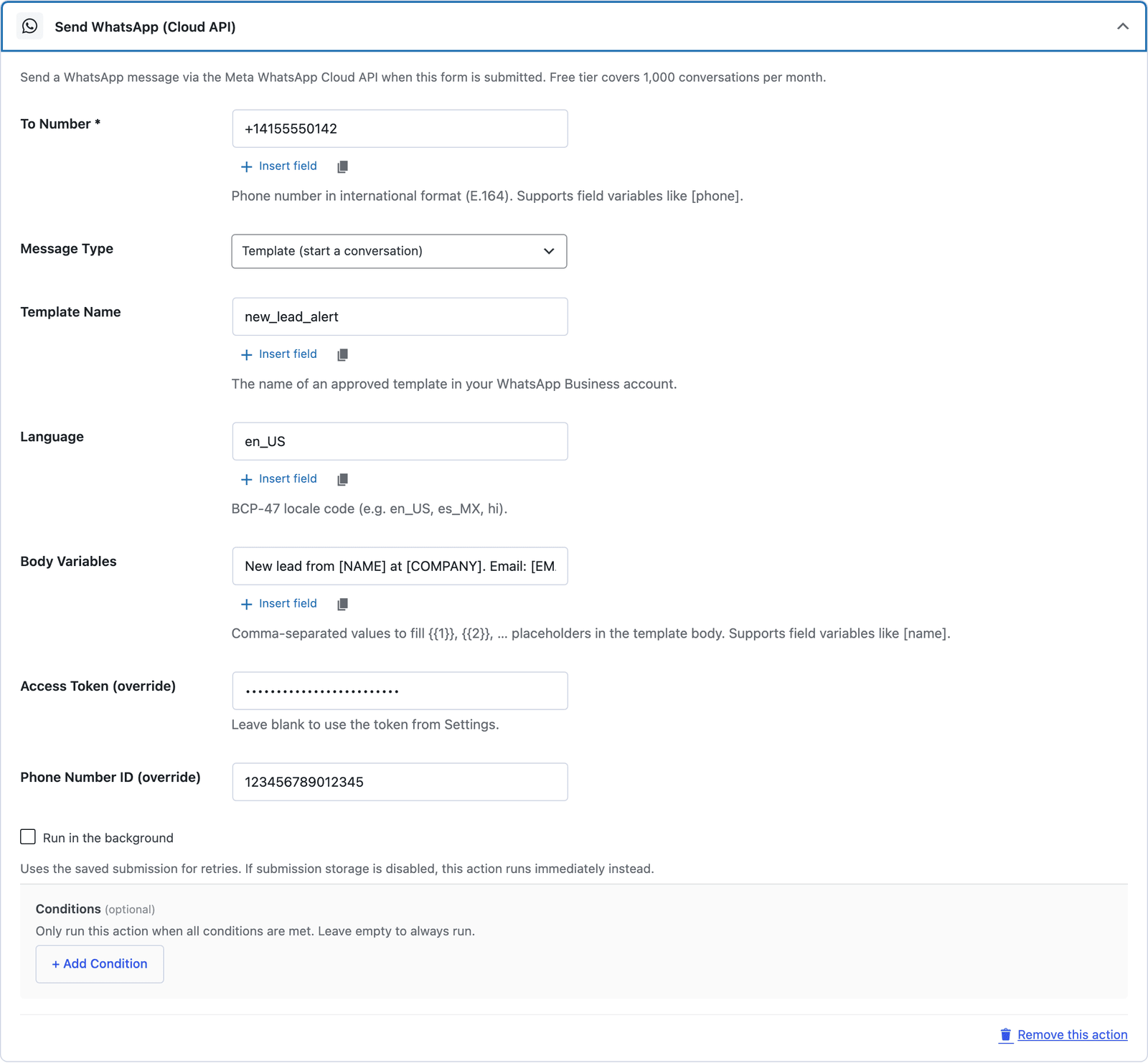
Form → Actions → Send WhatsApp (Cloud API). Pick template mode (cold outreach) or text mode (in-window reply).
For template mode, list comma-separated [field_name] tokens that fill {{1}}, {{2}}, … in the approved template body.
Want the long version? Read the step-by-step guide with screenshots of every setting.
WhatsApp Cloud API and every Core Forms-built integration on this site are included with your license.