
Channel webhooks
Discord’s built-in webhook URL is all you need.
Community
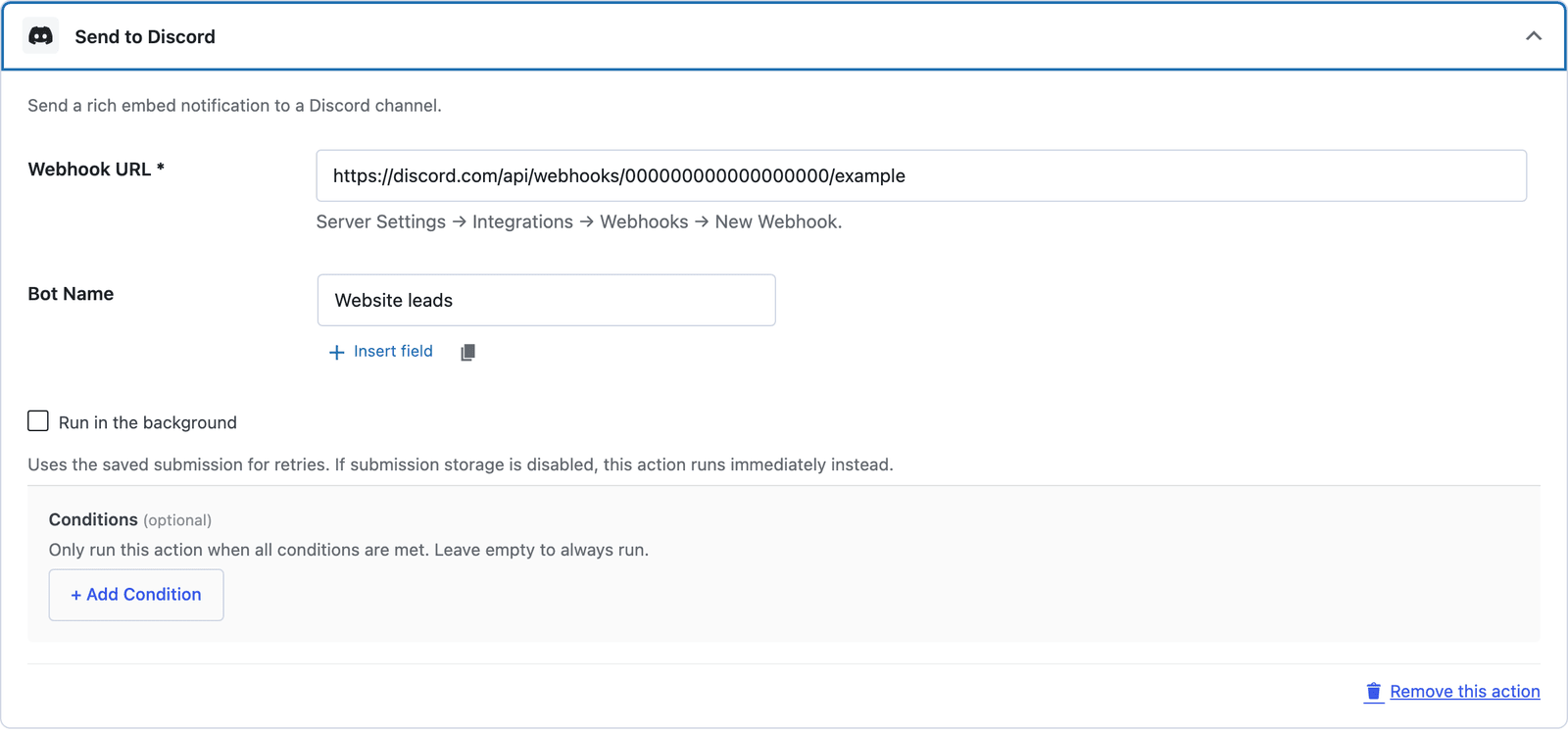
Post submissions to a Discord channel via webhook with formatted embeds.
Bundled with Core Forms, the WordPress forms plugin with every premium feature in the box. No add-on tax.
Discord runs many WordPress communities. Core Forms can drop a formatted embed into any channel via Discord’s webhook URL — no bot to write, no token to manage.
Discord’s built-in webhook URL is all you need.
Title, description, fields, footer — composed from data variables.
Filter which submissions actually post.
Channel → Edit Channel → Integrations → Webhooks → New Webhook.
Form → Actions → Discord, paste the webhook URL.
Use [field_name] tokens to format the embed body.
Want the long version? Read the step-by-step guide with screenshots of every setting.
Discord and every Core Forms-built integration on this site are included with your
license.
Use code CFLAUNCH for 20% off either plan. Ends September 30, 2026 (IST).