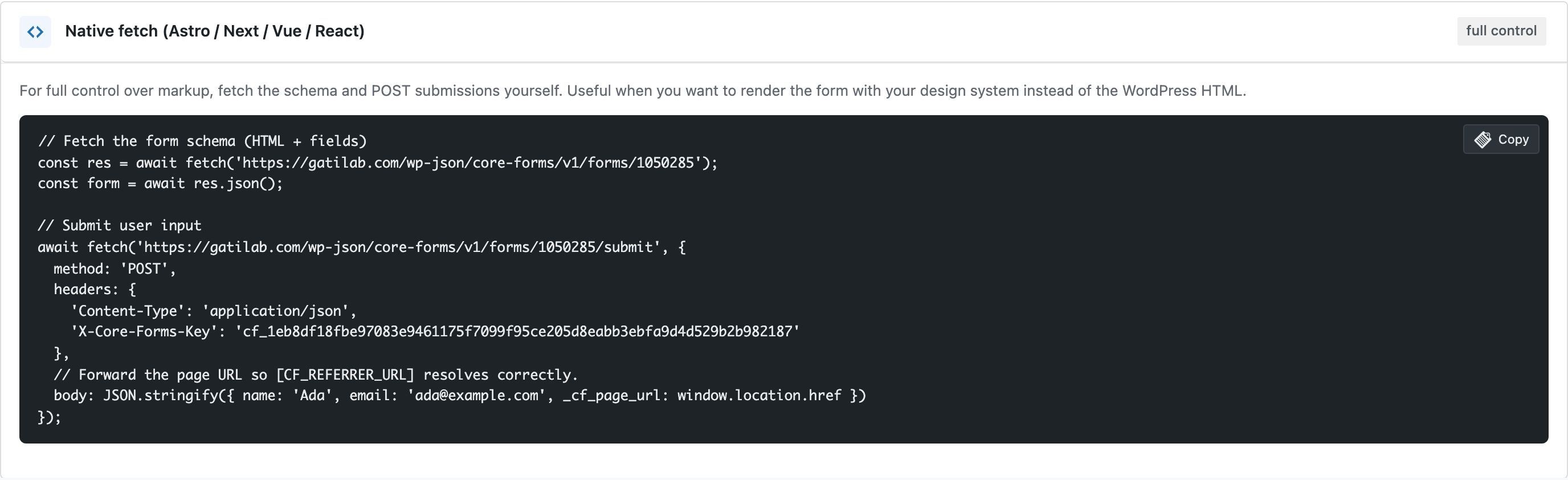
GET form schema
JSON schema includes the rendered HTML and a structured field list for client-side validation.
Developer tools
Render and submit Core Forms from Astro, Next.js, or any non-WordPress site.
Bundled with Core Forms, the WordPress forms plugin with every premium feature in the box. No add-on tax.
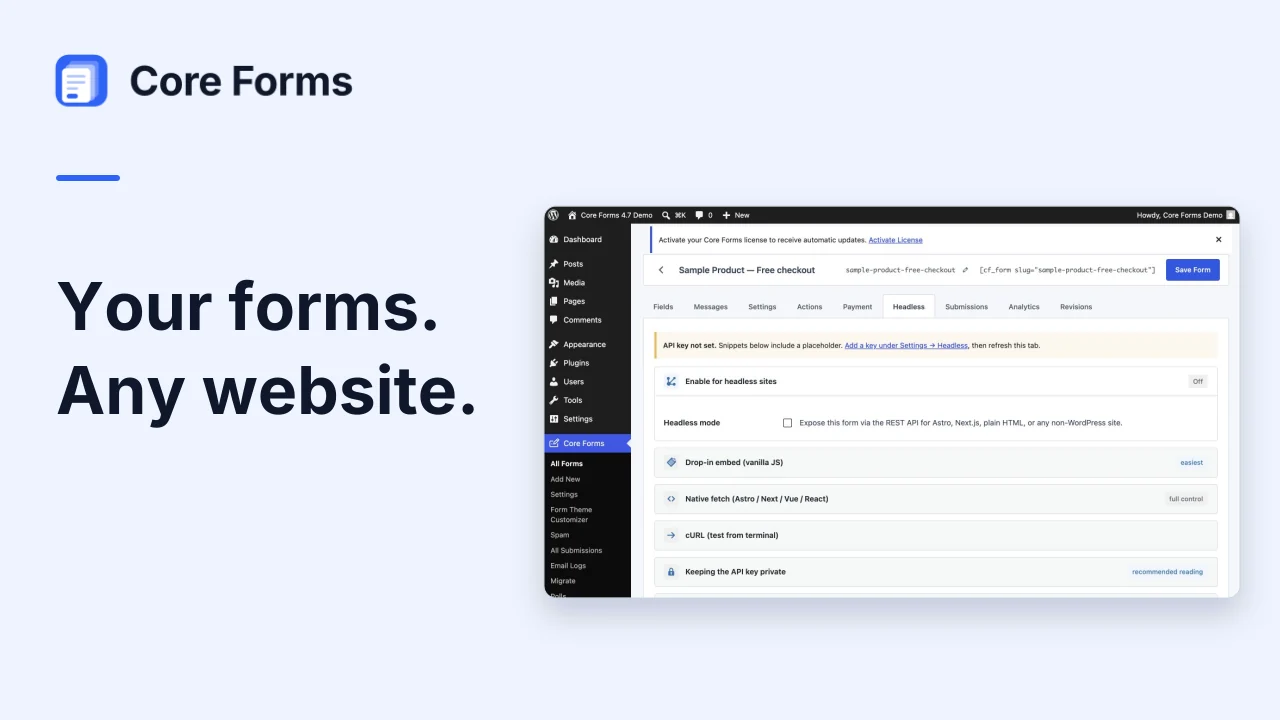
Every form can be exposed via REST so an external site can render it and post submissions. The same validation, captcha, action-loop and payment-redirect machinery runs server-side in WordPress — your headless site just submits JSON.
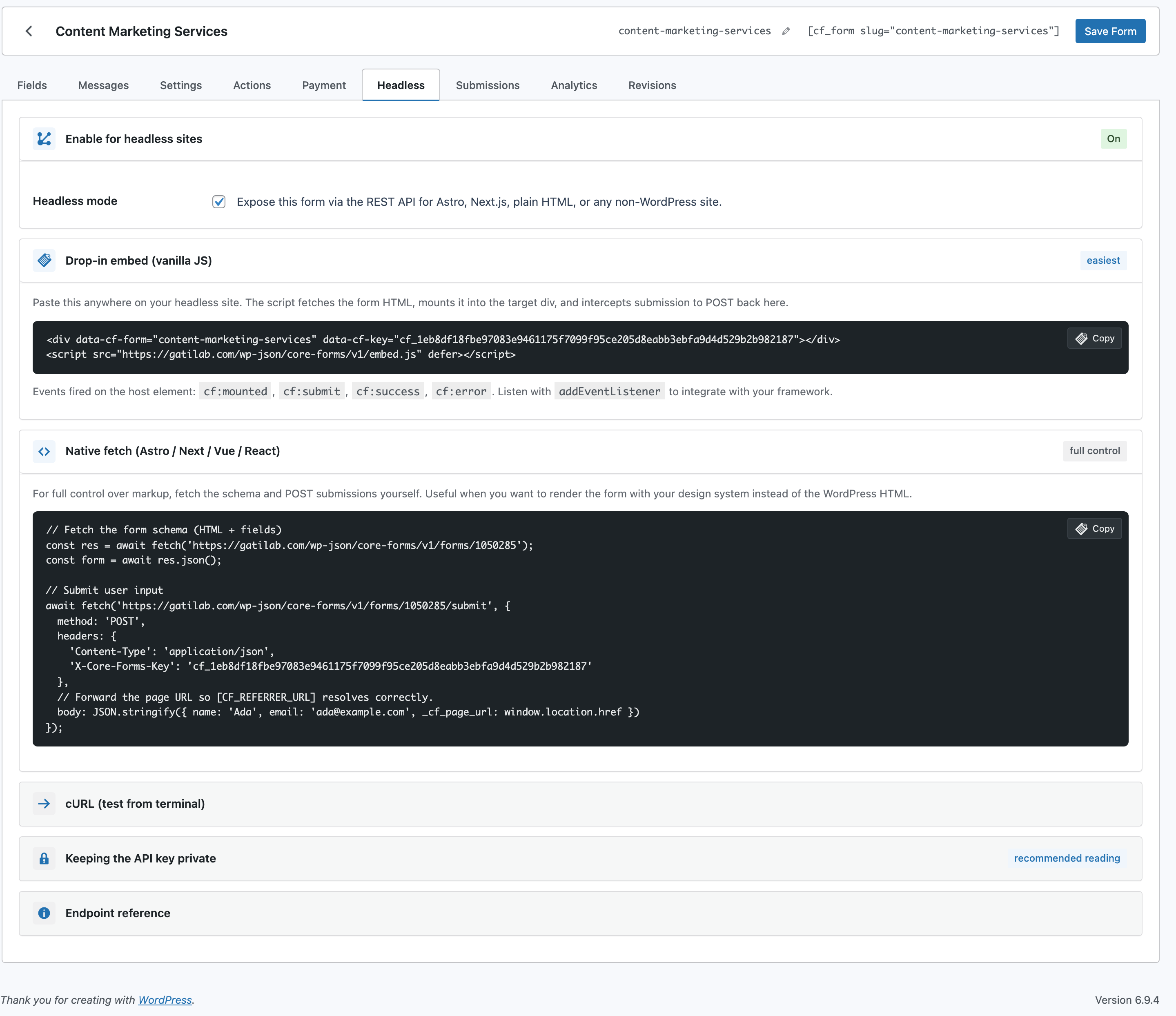
Single API key per site (under Settings → Headless), per-form opt-in toggle, and three integration modes: a drop-in vanilla JS widget, a native fetch example, and a cURL recipe. The widget fires `cf:mounted`, `cf:submit`, `cf:success` and `cf:error` events on the host element so any framework can hook in.
JSON schema includes the rendered HTML and a structured field list for client-side validation.
Drives the same Forms::process() pipeline as on-site submissions — captcha, akismet, actions, payments.
Drop a <div data-cf-form="…"> + <script src=".../embed.js"> and the form mounts itself.
Origin reflected per-request. No credentials required, captcha enforced as the spam stop.
WP Admin → Core Forms → Settings → Headless → click Generate, save.
Form editor → Headless tab → enable. Copy a snippet (widget, fetch, or cURL).
Astro / Next / Vue / Svelte / static HTML — the snippet is framework-agnostic.
<div data-cf-form="contact" data-cf-key="YOUR_SITE_API_KEY"></div>
<script src="https://yoursite.com/wp-json/core-forms/v1/embed.js" defer></script>Working examples — sanitized, ready to drop in. Replace the placeholder values at the top of each file (form ID, upstream URL, allowed origins, API key) and ship. No private data inside; nothing tracks back to anyone’s production site.
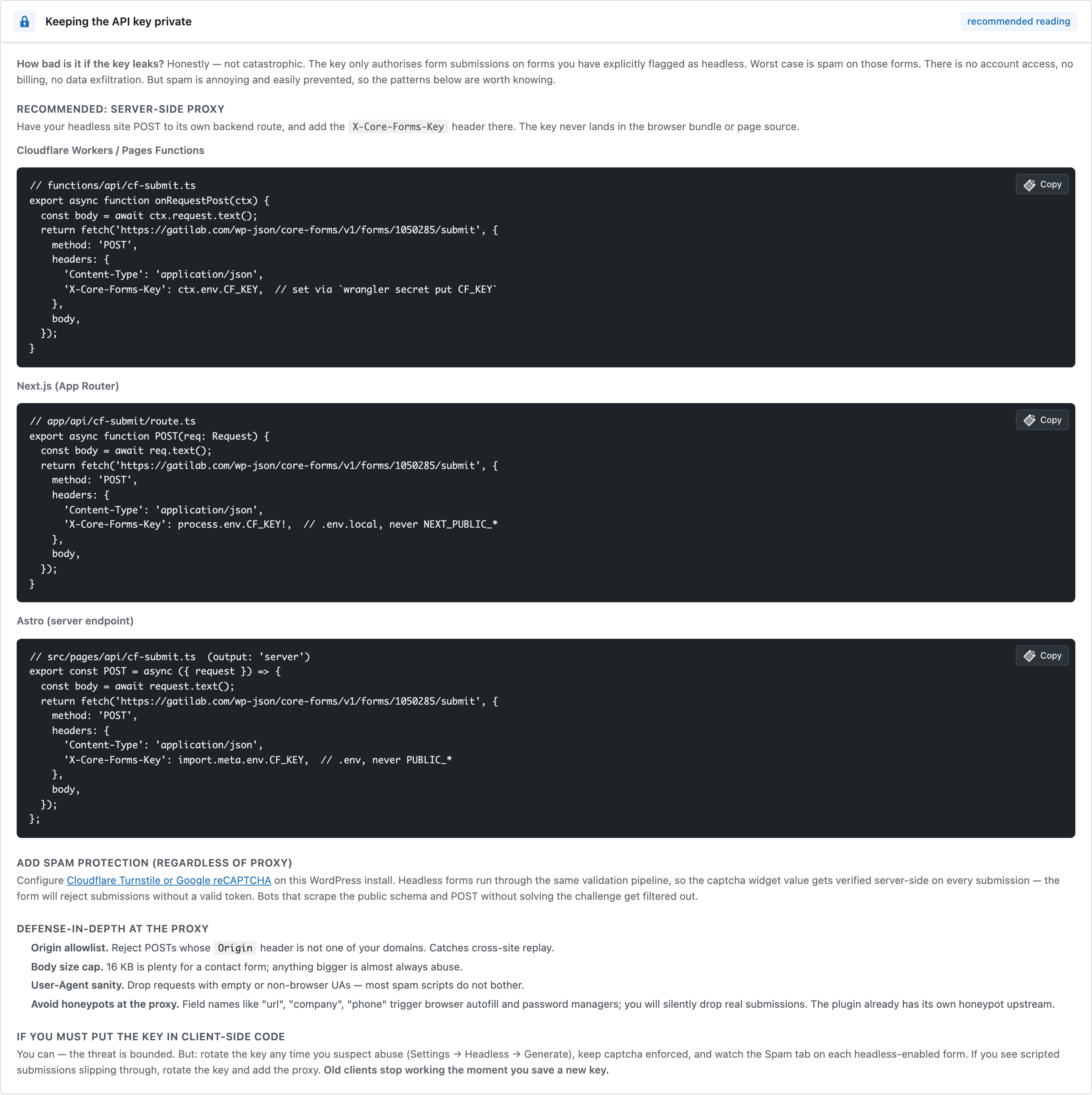
support.astro Server-side fetch of the form HTML + client-side submit through your own proxy. The exact pattern core-forms.com /support uses. worker.ts Server-side proxy that injects the X-Core-Forms-Key header so the key never reaches the browser. wrangler.jsonc Pairs with worker.ts — sets the upstream + form ID as vars; the API key goes in via `wrangler secret put`. nextjs-page.tsx App Router page that fetches the form HTML server-side at request time. Pair with nextjs-route.ts. nextjs-route.ts Edge-runtime POST handler. Holds the API key in process.env, forwards submissions to WordPress. submit.php Drop on any PHP host. Reads creds from environment variables, proxies submissions via cURL. node-express.js Single-file Express server. Node 18+ — uses global fetch, no extra dependencies beyond Express. embed.html Drop-in widget — two lines, no build step, no framework. The API key lives in the page source; pair with the proxy patterns for production use. 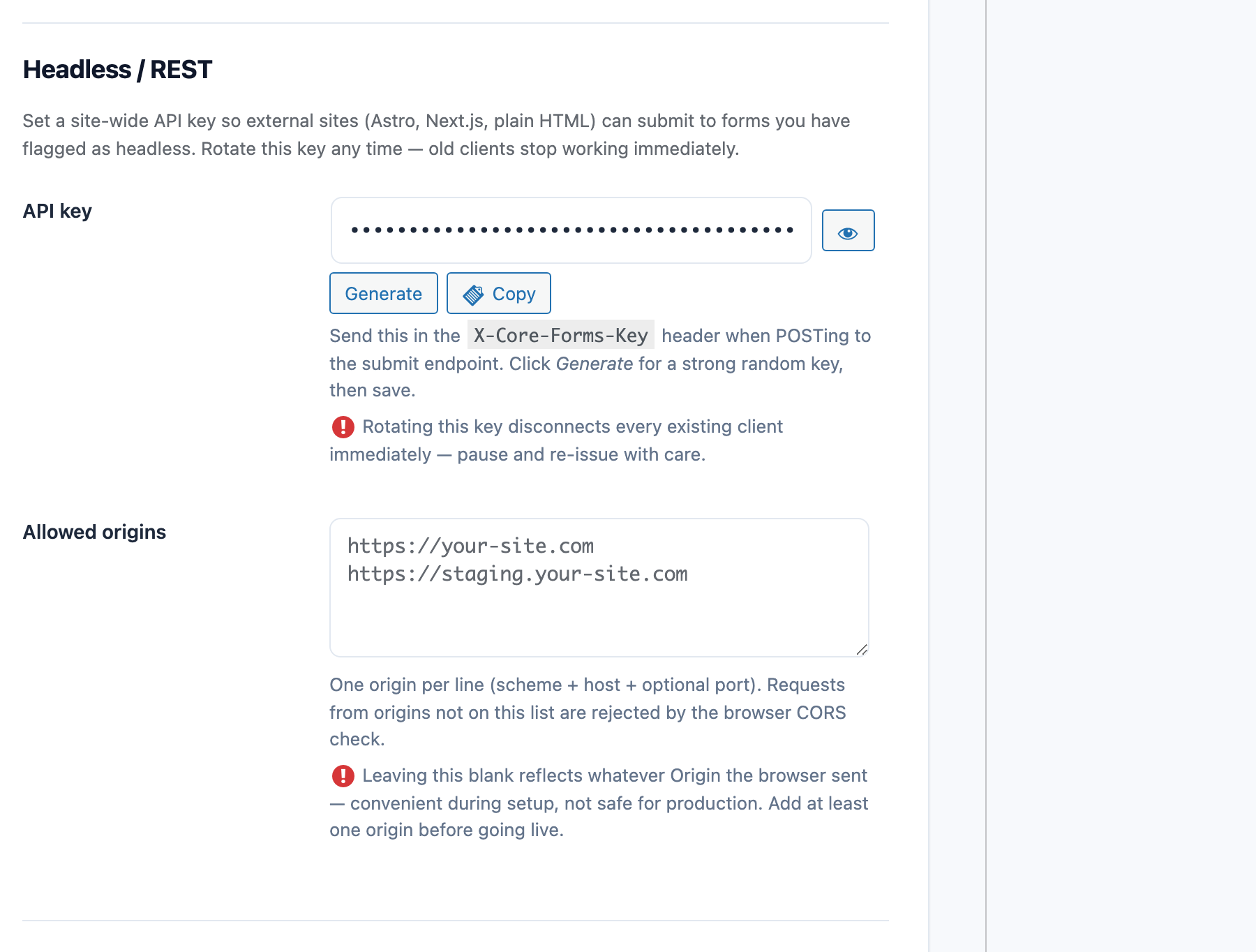

Headless / Astro / Next and every Core Forms-built integration on this site are included with your license.